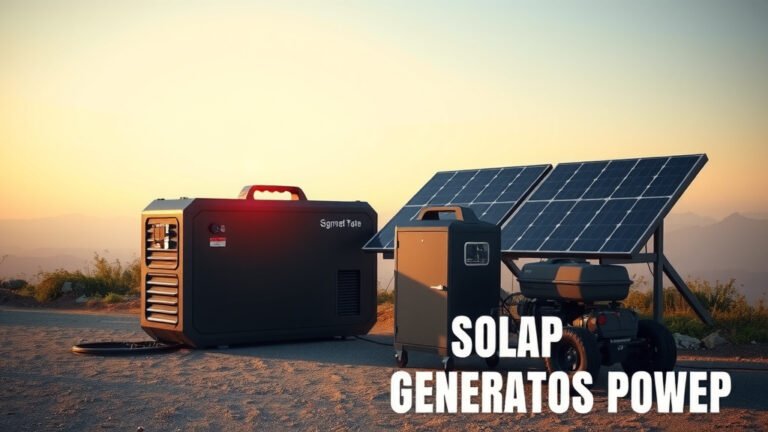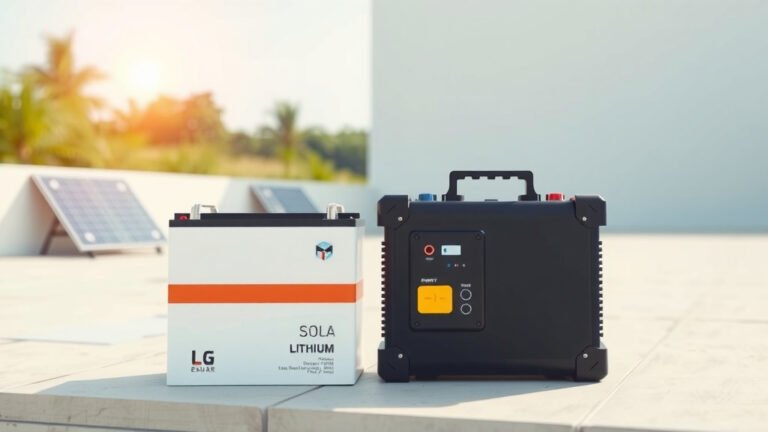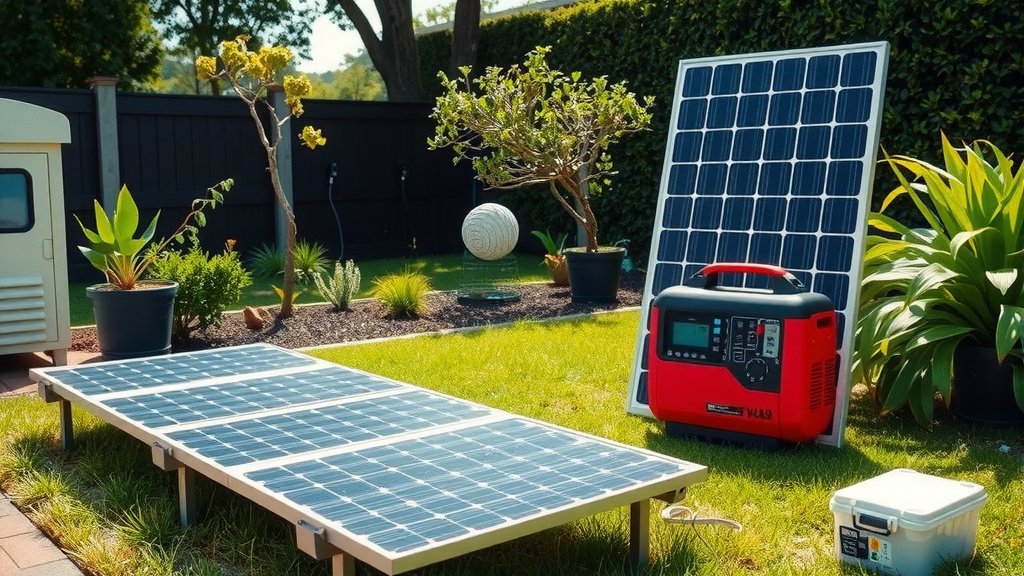
You can expand battery capacity in your solar generator by adding external battery banks, connecting multiple units in parallel, or upgrading to higher-capacity internal batteries.
Most solar generators support expansion through dedicated battery ports, daisy-chaining capabilities, or modular battery packs that connect directly to your main unit.
Quick Ways to Add More Power Storage
Your solar generator probably feels perfect until you need more juice for longer trips. I found that most people hit this wall within their first few camping adventures.
The good news? You have several smart options to boost your power storage without buying a completely new system.
External Battery Banks
This is your easiest path forward. Many solar generators come with dedicated expansion ports.
These ports let you plug in additional battery packs. Think of it like adding extra gas tanks to your car. Your main unit stays the same, but now you can store way more energy.
Compatible Battery Packs
Always check your generator’s manual first. Different brands use different connection types.
Some popular expansion options include:
- Official brand battery packs (usually most expensive but guaranteed compatible)
- Third-party universal battery banks with the right connectors
- DIY battery setups using lithium cells and proper charge controllers
Connection Types to Know
Your generator might use XT60, Anderson PowerPole, or proprietary connectors. I researched online and found that XT60 and XT90 are becoming standard for many newer units.
Always match the voltage requirements. Most portable generators run on 12V systems, but some larger units use 24V or 48V configurations.
Parallel Connection Setup
Some solar generators let you connect two identical units together. This doubles your battery capacity instantly.
EcoFlow and Bluetti offer this feature on several models. You literally plug two generators together with a special cable.
Benefits of Going Parallel
You get redundancy too. If one unit has problems, you still have backup power.
Plus, you can charge both units simultaneously with your solar panels. Your charging speed stays the same, but total storage doubles.
Understanding Your Current Setup
Before expanding anything, you need to know what you’re working with. Grab your generator and look for these key specs.
Battery Chemistry Matters
Most modern solar generators use lithium iron phosphate (LiFePO4) or standard lithium-ion batteries.
LiFePO4 batteries are safer and last longer. They handle thousands of charge cycles. Standard lithium-ion gives you more power density but fewer total cycles.
Checking Your Battery Type
Look at your manual or the label on your unit. You might see terms like:
- Li-ion (standard lithium-ion)
- LiFePO4 (lithium iron phosphate)
- NCM (nickel cobalt manganese)
Capacity and Voltage Ratings
Your generator shows capacity in watt-hours (Wh) or amp-hours (Ah). These numbers tell you how much energy you can store.
Voltage is usually 12V, 24V, or 48V. You must match this exactly when adding external batteries.
Step-by-Step Expansion Methods
Let me walk you through the most reliable ways to add more storage capacity.
Method 1: Official Battery Modules
This is your safest bet, especially if you’re not comfortable with electrical work.
Companies like Goal Zero, EcoFlow, and Jackery sell official expansion batteries. They plug right into your existing unit.
Installation Process
Turn off your main generator completely. Connect the expansion battery using the provided cable.
Most systems recognize the extra capacity automatically. Your display should show the increased watt-hour rating within a few seconds.
Cost Considerations
Official modules cost more per watt-hour. But you get warranty coverage and guaranteed compatibility.
I found online that official expansions typically cost 30-50% more than DIY alternatives. You pay extra for convenience and peace of mind.
Method 2: Universal Battery Banks
Third-party battery banks work with many solar generators. They usually cost less than official modules.
Look for banks with the right voltage output and compatible connectors. Many come with multiple cable types.
Key Features to Find
You want built-in battery management systems (BMS). This protects against overcharging, overheating, and voltage spikes.
Also check for pass-through charging. This lets you charge the external bank while it powers your devices.
Method 3: DIY Battery Addition
Building your own expansion takes more work but saves money. You can customize capacity exactly to your needs.
This approach works best if you understand basic electrical connections and safety precautions.
Required Components
You need lithium cells, a battery management system, appropriate fusing, and connection cables.
Many experts say to start small with your first DIY project. Build a simple 100Ah bank before attempting larger systems.
Safety Tips for Battery Expansion
Adding batteries increases stored energy in your system. This means higher potential risks if something goes wrong.
Fire Prevention
Always use proper fusing on positive connections. Fuses should be rated at 80% of your maximum expected current draw.
Keep batteries in ventilated areas. Even lithium batteries can overheat under certain conditions.
Electrical Safety
Turn off all power before making connections. Double-check voltage and polarity before plugging anything in.
I came across safety guidelines from the National Fire Protection Association recommending dedicated battery storage areas away from living spaces.
Calculating Your Needs
How much extra capacity do you actually need? This depends on your power usage and charging sources.
Power Usage Assessment
List your devices and their power consumption. A typical setup might include:
| Device | Power Draw | Daily Usage | Daily Energy |
|---|---|---|---|
| Laptop | 65W | 4 hours | 260Wh |
| Phone charging | 15W | 2 hours | 30Wh |
| LED lights | 20W | 5 hours | 100Wh |
| Small fridge | 45W | 8 hours | 360Wh |
Adding Safety Margins
Don’t plan to use 100% of your battery capacity. Lithium batteries last longer when you keep them between 20-80% charge.
Add at least 25% extra capacity beyond your calculated needs. This accounts for cloudy days and unexpected power draws.
Maintenance and Monitoring
More batteries mean more components to maintain. Set up simple monitoring to catch problems early.
Regular Capacity Checks
Test your expanded system monthly. Fully charge everything, then run a known load until batteries are depleted.
Track how long your system runs. Decreasing runtime indicates battery degradation or connection problems.
Connection Maintenance
Check all connections every few months. Look for corrosion, loose bolts, or damaged cables.
Clean connections with contact cleaner and retighten as needed. Loose connections create heat and reduce efficiency.
Cost-Benefit Analysis
Is expansion worth it compared to buying a larger generator? Let’s break down the numbers.
Expansion Costs
Official battery modules typically cost $400-800 per 500Wh of capacity. DIY options run $200-400 for similar capacity.
You also need cables, fuses, and possibly mounting hardware. Budget an extra $50-100 for accessories.
Alternative Options
A completely new larger generator might cost less per watt-hour. But you lose the investment in your current system.
Expansion makes sense when your current generator meets most of your needs. You just need extra capacity for specific situations.
Conclusion
Expanding your solar generator’s battery capacity is totally doable with the right approach. Start by understanding your current system and calculating your actual needs.
Official expansion modules offer the easiest path forward. They cost more but eliminate compatibility worries and maintain your warranty.
DIY solutions save money and let you customize capacity exactly. Just make sure you understand electrical safety and use proper components.
Whatever method you choose, add monitoring and plan for regular maintenance. More batteries mean more things to keep track of, but the extra power storage is worth it for extended off-grid adventures.
Can I mix different battery types when expanding my solar generator?
No, you should never mix battery chemistries like lithium-ion with lead-acid. They have different charging profiles and can damage each other. Stick to the same battery type and voltage as your original system.
How do I know if my solar generator supports battery expansion?
Check your manual for expansion ports or daisy-chain capabilities. Look for DC output ports labeled for battery connection or search your model number online with “battery expansion” to find compatible options.
Will adding external batteries slow down my charging time?
Yes, more battery capacity means longer charging times with the same solar input. If you double your battery capacity, expect roughly double the charging time unless you also add more solar panels.
What happens if one battery in my expanded system fails?
In parallel setups, other batteries can continue working if one fails. But the failed battery might drain power from healthy ones. Always disconnect faulty batteries immediately and use proper fusing to prevent damage.
How much weight will battery expansion add to my setup?
Lithium batteries add roughly 15-25 pounds per 1000Wh of capacity. A 500Wh expansion battery typically weighs 8-12 pounds. Factor this into your portability needs, especially for camping or RV use.