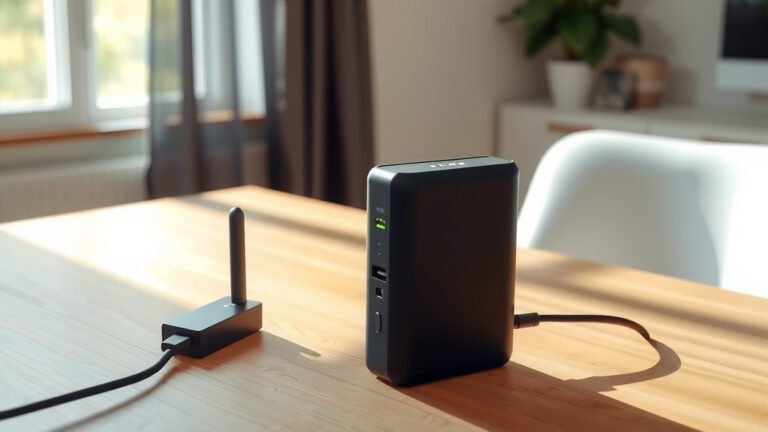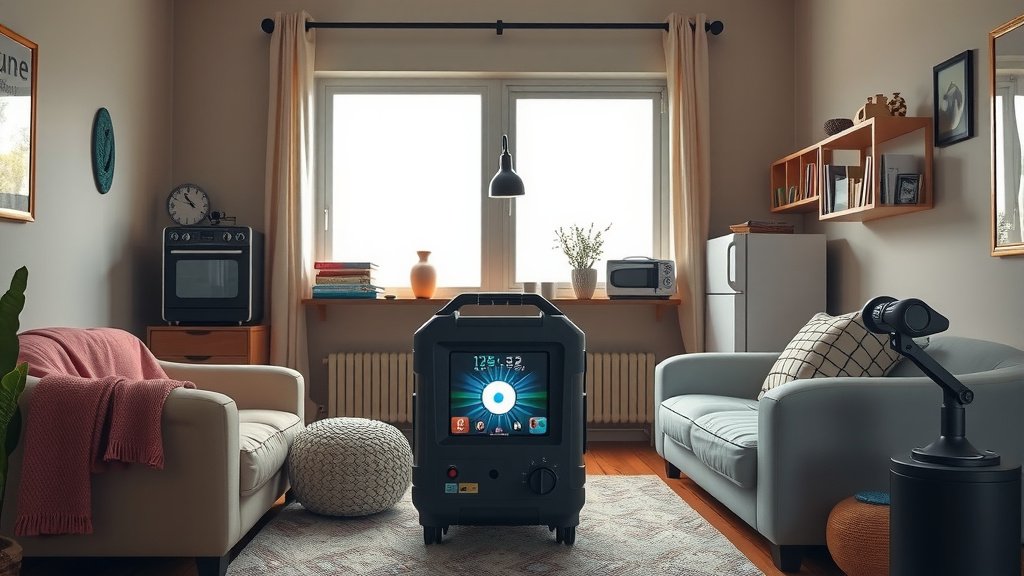
Using a portable power station during a power outage means keeping it charged beforehand, connecting essential devices safely, and managing power consumption to extend runtime.
Your portable power station can power lights, phones, medical devices, and small appliances for hours or days, depending on your unit’s capacity and what you’re running.
What to Do Before the Power Goes Out
Smart preparation makes all the difference when the lights go dark. You can’t just grab your power station from the closet and expect it to save the day if it’s been sitting there uncharged for months.
Keep Your Power Station Charged
Most experts recommend charging your portable power station every 3-6 months, even when not in use. Lithium batteries lose charge over time, and you don’t want to discover yours is dead when you need it most.
I found that many manufacturers suggest keeping the charge level between 50-80% for long-term storage. This helps protect the battery life and ensures quick access to power.
Test Your Equipment Monthly
Turn on your power station once a month. Plug in a lamp or phone charger to make sure everything works. This simple check takes two minutes but could save you major headaches later.
Know Your Power Station’s Limits
Check the wattage rating on your unit. A 500-watt power station can’t run a 1000-watt microwave. It’s like trying to fill a swimming pool with a garden hose – the math just doesn’t work.
Write down what devices you can and can’t power. Stick this list on your power station so family members know what’s possible during an emergency.
Setting Up During an Outage
When the power goes out, your first moves matter. Stay calm and follow a simple setup process to get the most from your portable power station.
Choose the Right Location
Place your power station on a flat, stable surface away from water. Avoid putting it on carpet, beds, or couches where it might overheat. Hard floors work best.
Keep it away from windows if it’s raining or snowing. Even though most units are built tough, moisture and electronics don’t mix well.
Ventilation Matters
Leave space around your power station for airflow. These units generate heat when working hard, and good ventilation helps them run longer without shutting down to cool off.
Priority Device Connection
Connect your most important devices first. Think about what you truly need versus what would be nice to have.
Research shows that during emergencies, communication and lighting top most people’s priority lists (American Red Cross). Start with phones, flashlights, and radios.
What Devices to Power First
Not all devices deserve equal treatment during an outage. Some are lifesavers, others are just convenient.
Essential Medical Equipment
Medical devices get first priority, always. CPAP machines, oxygen concentrators, and medication refrigeration can be life-critical.
Calculate how long your power station can run these devices. A typical CPAP uses 30-60 watts, so a 500-watt-hour power station might run it for 8-16 hours.
Communication Devices
Your phone connects you to emergency services and family. Modern smartphones use surprisingly little power when charging – usually 5-10 watts.
Consider a battery-powered radio too. It uses minimal power and gives you weather updates and emergency information.
Lighting Solutions
LED lights win hands down for outages. A 10-watt LED bulb provides plenty of light while sipping power. Compare that to old incandescent bulbs that might use 60-100 watts for the same brightness.
Food Preservation
Small fridges and coolers can work with larger power stations. A mini-fridge typically uses 50-100 watts, but it cycles on and off, so actual consumption varies.
From what I read, keeping a fridge closed helps it stay cold for 4-6 hours without power. Use your power station to run it periodically rather than continuously.
Managing Power Consumption
Think of your power station like a checking account. You have a fixed balance, and every device you plug in makes a withdrawal. Smart spending makes your power last longer.
Calculate Your Runtime
Here’s a simple way to estimate how long your power will last:
| Device | Power Usage | Runtime on 500Wh Station |
|---|---|---|
| LED Light | 10W | 45+ hours |
| Phone Charging | 5-10W | 25-50 full charges |
| Laptop | 45-65W | 7-10 hours |
| Small TV | 50-100W | 5-9 hours |
| CPAP Machine | 30-60W | 8-15 hours |
Use Power-Saving Modes
Turn on eco-mode for any connected devices. Dim laptop screens, switch phones to low-power mode, and turn off unnecessary features like WiFi when you’re not using them.
Cycling Power to Devices
You don’t need to run everything at once. Charge your phone for an hour, then switch to powering lights for the evening, then back to medical equipment overnight.
This rotation strategy helps you stretch your available power across more hours of the outage.
Safety Tips During Operation
Power stations are generally safe, but a few precautions keep you and your family protected.
Watch for Overheating
If your power station feels very hot or starts making unusual noises, turn it off and let it cool down. Most units have built-in protection, but it’s better to be safe.
Many experts say that modern power stations shut down automatically when they get too hot, but this uses up your remaining power for the cooling fans.
Avoid Overloading
Don’t plug in devices that exceed your power station’s output rating. If your unit maxes out at 500 watts, plugging in a 700-watt device could damage both the power station and your appliance.
Carbon Monoxide Awareness
Never use gas generators indoors, even in garages or basements. Portable power stations produce no emissions, making them safe for indoor use – that’s one of their biggest advantages.
Extending Your Power Station’s Runtime
Want to squeeze every possible hour from your power station? These strategies help maximize your available power.
Solar Panel Charging
If you have solar panels compatible with your power station, daytime charging can extend your runtime almost indefinitely on sunny days.
Even partial charging helps. A few hours of sun might add several more hours of device runtime.
Car Charging Options
Many power stations can charge from your car’s 12V outlet while the engine runs. This works great if you need to boost power levels during extended outages.
Smart Device Management
Unplug devices when they’re fully charged. A phone that reaches 100% doesn’t need to stay connected to the power station.
Use timers or alarms to remind yourself to disconnect devices. This prevents accidentally draining power on things you’re not actively using.
Common Mistakes to Avoid
Even well-meaning people make power station mistakes during outages. Learning from others’ errors saves you frustration and power.
Don’t Wait Until the Battery Dies
Recharge your power station before it hits zero. Deep discharge can damage lithium batteries over time, reducing their lifespan and capacity.
Avoid High-Power Appliances
Skip the coffee maker, hair dryer, and space heater. These appliances drain your power station fast and aren’t worth the trade-off during emergencies.
Don’t Forget About Temperature
Extreme cold reduces battery performance. If possible, keep your power station at room temperature for best results.
After the Outage Ends
Once power returns, take care of your portable power station so it’s ready for next time.
Recharge Immediately
Plug your power station into wall power as soon as you can. Getting it back to full charge protects the battery and prepares it for the next emergency.
Clean and Inspect
Check for any damage that might have occurred during use. Look at ports, cables, and the display screen. Address any issues before storing the unit.
Conclusion
Using a portable power station during an outage comes down to preparation and smart power management. Keep your unit charged, know what devices to prioritize, and manage your power consumption like you’re rationing a precious resource – because you are. With the right approach, your portable power station becomes a reliable bridge between losing power and getting back to normal. Start preparing now, before you need it, and you’ll handle the next outage with confidence.
How long will a portable power station run my refrigerator?
A standard home refrigerator uses 400-800 watts when running but cycles on and off. A 1000Wh power station might run a refrigerator for 2-6 hours total runtime, though this varies greatly based on the fridge’s efficiency and how often you open the door.
Can I use my portable power station while it’s charging?
Yes, most modern portable power stations support pass-through charging, meaning you can use devices plugged into it while simultaneously charging the internal battery from wall power or solar panels.
What happens if I plug in a device that uses more power than my station can provide?
Most quality power stations will shut down or refuse to power devices that exceed their output capacity. This protects both your power station and the connected device from damage, though it means the device simply won’t work.
Should I turn off my portable power station when not actively using it?
Yes, turning off your power station when not in use prevents phantom power drain from the display and internal systems. This can extend your available runtime by several hours during long outages.
How do I know when my portable power station needs replacing?
Replace your power station when it no longer holds a charge for reasonable periods, takes much longer to charge than when new, or fails to power devices it used to handle easily. Most lithium batteries last 500-2000 charge cycles before significant capacity loss.