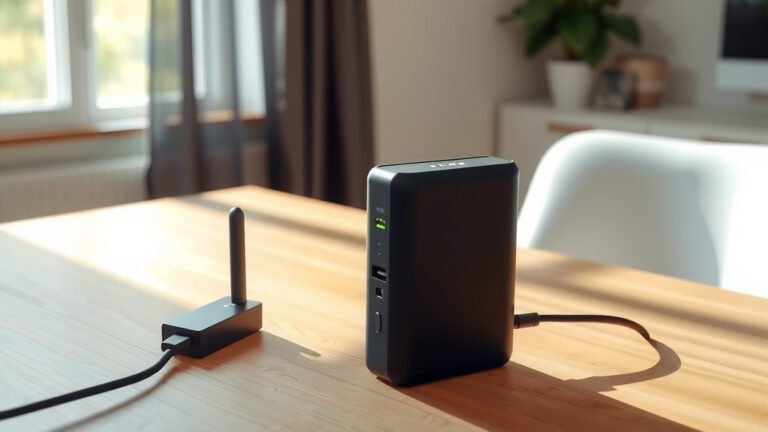
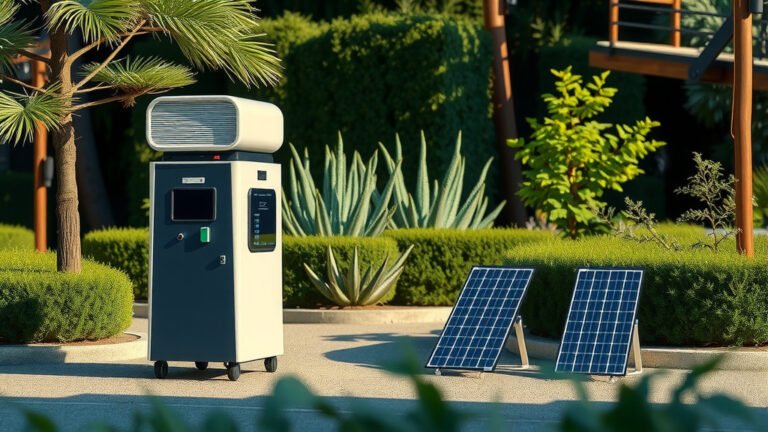
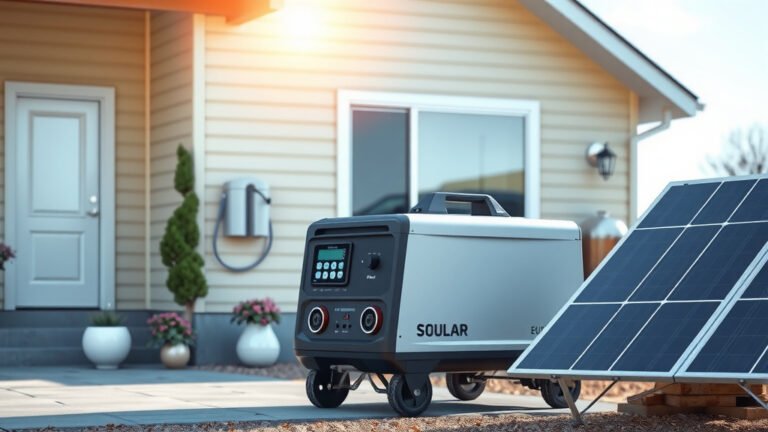
To use a portable power station for your WiFi router, simply connect your router’s power adapter to the power station’s AC outlet or use a 12V adapter if available.
A portable power station can keep your WiFi router running for 8-24 hours depending on your router’s power consumption and the station’s battery capacity.
What You Need to Get Started
Getting your WiFi router running on a portable power station is easier than you might think. You need just two main things: a power station with enough capacity and the right connection method.
First, check your router’s power requirements. Most home routers use between 6-20 watts of power. You can find this information on a sticker on your router or in the manual.
Second, make sure your portable power station has either AC outlets or the right DC output. Most people find AC outlets the simplest option since you can just plug in your router’s existing power adapter.
Power Station Capacity Requirements
Your power station needs enough juice to keep things running. A 100Wh power station can run a 10-watt router for about 8-10 hours. Want longer runtime? Go bigger.
I found through research that most people prefer power stations with at least 300Wh capacity. This gives you a full day of WiFi coverage during outages.
Calculating Your Runtime
Here’s a simple way to figure out how long your setup will last. Divide your power station’s capacity by your router’s power draw.
For example: 500Wh power station ÷ 15W router = about 33 hours of runtime. Remember to account for efficiency losses, so expect about 80% of this theoretical time.
Step-by-Step Setup Process
Ready to get connected? Let me walk you through the setup process. It’s straightforward, and you’ll be back online in minutes.
Method 1: Using AC Power Output
This is the easiest approach for most people. You use your router’s existing power adapter with the power station’s AC outlets.
- Turn on your portable power station
- Plug your router’s power adapter into the AC outlet
- Connect the adapter to your router
- Wait 2-3 minutes for the router to boot up
That’s it! Your router should power on just like it does from wall power. The power station acts like a portable wall outlet.
AC Power Pros and Cons
Using AC power is simple but not always the most efficient. The power station converts DC battery power to AC, then your router adapter converts it back to DC.
This double conversion wastes about 10-15% of your battery power. But the convenience often makes up for the efficiency loss.
Method 2: Direct DC Connection
Want maximum efficiency? Connect directly to your router using DC power. This skips the conversion losses and gives you more runtime.
Check if your router accepts 12V DC input. Many do, especially if they came with a 12V car adapter option.
- Find a DC cable that matches your router’s input
- Connect it to the power station’s 12V output
- Plug the other end into your router
Finding the Right DC Cable
You might need a specific DC cable for your router model. Check the voltage and amperage requirements first. Most routers need 12V, but some use 9V or 5V.
Getting the wrong voltage can damage your router. When in doubt, stick with the AC method using your original power adapter.
Choosing the Right Power Station Size
Not all power stations work equally well for routers. Size matters, but so does the type of outputs available.
Small Power Stations (Under 200Wh)
These work fine for basic routers and short-term backup needs. Expect 6-12 hours of runtime with a typical home router.
Small stations are portable and affordable. Perfect if you just need backup power during occasional outages.
Medium Power Stations (200-500Wh)
This is the sweet spot for most home users. You get 12-30 hours of router runtime, enough for extended outages.
Medium-sized stations can also power your modem if needed. Many internet setups require both a modem and router to work.
Large Power Stations (500Wh+)
Go big if you want to power multiple devices or run your network for days. Large stations can handle routers, modems, and even small network switches.
Research shows that power stations over 1000Wh can keep a home network running for 2-4 days during extended outages.
Powering Your Modem Too
Don’t forget about your modem! Your router won’t give you internet access if the modem loses power.
Cable modems typically use 8-15 watts. Fiber modems can use 15-25 watts. Add this to your router’s power draw when calculating runtime.
Total Network Power Consumption
Here’s what a complete home network typically uses:
| Device | Typical Power Draw |
|---|---|
| WiFi Router | 8-20 watts |
| Cable Modem | 8-15 watts |
| Fiber Modem | 15-25 watts |
| Network Switch | 5-10 watts |
A typical setup with router and modem uses 20-35 watts total. Plan your power station capacity around this combined load.
Maximizing Your Runtime
Want to squeeze every hour out of your power station? A few simple tricks can extend your backup time significantly.
Router Power-Saving Settings
Many routers have eco or power-saving modes. These can reduce power consumption by 20-30% with minimal impact on performance.
Turn off features you don’t need during outages. Guest networks, USB ports, and LED lights all consume extra power.
Reduce WiFi Range Temporarily
Lower your router’s transmit power if your devices are close by. This can cut power usage by 10-15% while still providing good coverage in your main living areas.
Most routers let you adjust this in the wireless settings. Set it to 50-75% power during emergency situations.
Strategic Device Management
Limit connected devices during power outages. Each device using WiFi makes your router work harder and use more power.
Disconnect smart home devices, streaming devices, and other non-essential gadgets. Keep just phones, tablets, and laptops connected.
Safety Considerations
Using a portable power station is generally safe, but a few precautions will keep your equipment protected.
Ventilation and Heat
Keep both your power station and router in well-ventilated areas. Don’t stack them or cover air vents.
Power stations can get warm during use. Routers also generate heat. Good airflow prevents overheating and extends equipment life.
Power Quality
Most quality power stations provide clean, stable power. But cheap units might have voltage fluctuations that could damage sensitive electronics.
I found that pure sine wave power stations work best with routers and other networking equipment. They cost a bit more but provide better protection.
Surge Protection
Consider using a small surge protector between your power station and router. This adds an extra layer of protection against power spikes.
Many power stations have built-in protection, but an external surge protector gives you extra peace of mind.
Common Setup Problems and Solutions
Running into issues? Don’t worry. Most problems have simple solutions.
Router Won’t Power On
Check that your power station is actually on and has charge. Many units have separate switches for different outlet types.
Make sure you’re using the right voltage. If using DC power, double-check that the voltage and polarity match your router’s requirements.
Internet Still Not Working
Your router might be working, but your modem needs power too. Many people forget this step and wonder why they can’t get online.
Also check if your internet provider’s equipment in your area has power. Sometimes the problem isn’t on your end.
Shorter Runtime Than Expected
Old router models often use more power than newer ones. If your router is several years old, it might be less efficient than you expect.
Also, power stations lose capacity over time. A unit that’s been used heavily might not hold as much charge as when new.
Maintenance and Best Practices
Taking care of your backup power setup ensures it works when you need it most.
Regular Testing
Test your setup every few months. Disconnect from wall power and run on the power station for an hour or two.
This helps you catch problems before an actual emergency. It also keeps your power station’s battery healthy through regular use.
Battery Care
Keep your power station charged between 20-80% for long-term storage. Full charges and deep discharges can reduce battery life over time.
Most modern power stations use lithium batteries that last 2-5 years with proper care. Follow the manufacturer’s storage recommendations.
Conclusion
Setting up a portable power station for your WiFi router is a smart investment in staying connected. Whether you’re dealing with power outages, working remotely, or just want backup internet access, this setup gives you peace of mind.
Remember to size your power station correctly, consider powering your modem too, and test everything before you actually need it. With the right setup, you can keep your internet running for hours or even days during power interruptions.
Start with a mid-sized power station around 300-500Wh capacity. This gives you plenty of runtime without breaking the budget. As your needs grow, you can always upgrade to a larger unit later.
Can I power multiple routers with one power station?
Yes, most power stations can handle multiple routers since each router only uses 8-20 watts. A 300Wh power station could easily run 2-3 routers simultaneously for several hours. Just add up the total power consumption and make sure it’s well below your power station’s maximum output.
Will using a power station damage my router?
No, quality power stations provide clean, stable power that’s safe for routers. Look for units with pure sine wave output for the best compatibility. Avoid very cheap power stations that might have poor power quality or voltage regulation.
How often should I recharge my power station?
Recharge your power station every 3-6 months if you’re not using it regularly. Lithium batteries perform best when kept between 20-80% charge. If you use it frequently for backup power, charge it fully after each use.
Can I charge the power station while it’s powering my router?
Most modern power stations support pass-through charging, meaning you can charge the station while it powers devices. This feature lets you extend your runtime indefinitely if you have access to solar panels, a car charger, or wall power.
What’s the difference between modified sine wave and pure sine wave for routers?
Pure sine wave power stations provide smoother, cleaner electricity that’s identical to wall power. Modified sine wave units work for most devices but can cause humming, reduced efficiency, or compatibility issues with sensitive electronics like routers. Pure sine wave is worth the extra cost for networking equipment.