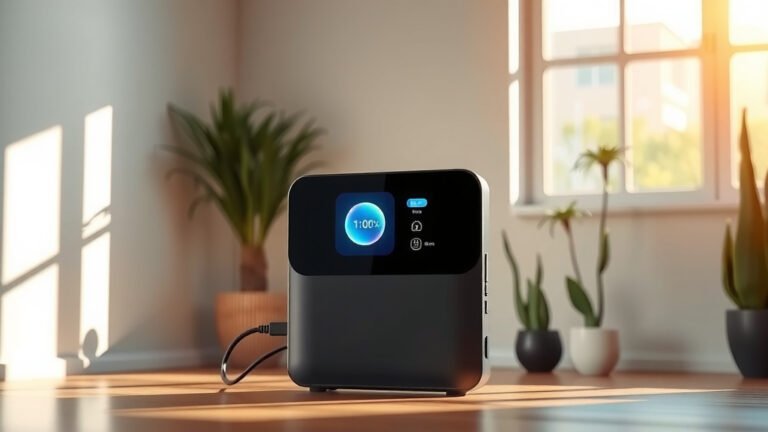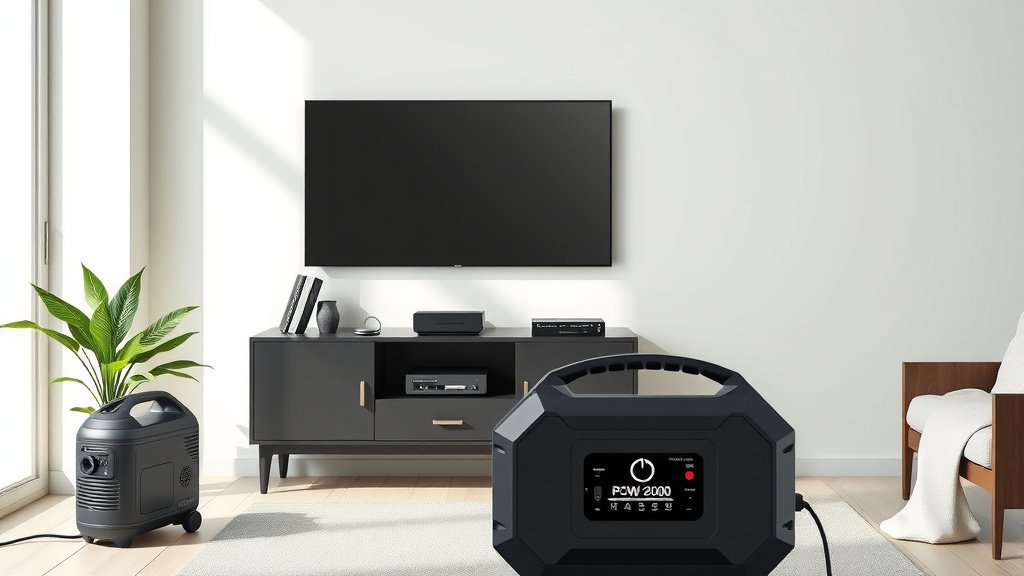
Powering your TV with a portable power station is surprisingly simple. You just need to connect your TV’s power cord directly into the power station’s AC outlet, much like plugging it into a wall.
To ensure smooth operation, check that your portable power station has enough wattage output and battery capacity to run your specific television model for the desired duration.
TL;DR:
- Confirm your TV’s wattage needs first.
- Choose a portable power station with sufficient AC output and battery capacity (Wh).
- Plug your TV directly into the power station’s AC outlet.
- Always monitor the power station’s battery level.
- Consider solar panels for extended viewing and recharging.
Picture this: you’re enjoying a camping trip, but a big game is on. Or maybe there’s a power outage, and you just want to relax with your favorite show. How can you keep your TV running when traditional power isn’t available? That’s where a portable power station becomes your best friend.
These handy devices are essentially large, rechargeable batteries with various outlets. They let you bring your home comforts, like watching TV, anywhere. It’s like having a mini wall socket that fits in your car or even a backpack.
So, you want to power your TV on the go? Let’s break down exactly how you can do it, step by step.
How To Power TV With Portable Power Station?
To power your TV with a portable power station, simply plug your TV’s AC cord into the power station’s AC outlet. Ensure the power station has enough capacity and wattage for your TV.
Understanding Your TV’s Power Needs
Before you plug anything in, you need to know what your TV demands. Every appliance has specific power requirements, and your TV is no different. You’ll primarily look at two numbers: wattage and capacity.
Wattage (W) tells you how much power your TV uses at any given moment. Capacity (Wh or Watt-hours) tells you how much energy the portable power station can store and deliver over time. We need to match these up.
You can usually find your TV’s wattage on a label on the back of the TV itself. Look for terms like “power consumption” or “input.” Many experts suggest checking your TV’s power consumption label, often located near the power cord input (Energy Star).
Finding Your TV’s Specific Power Consumption
Most modern TVs, especially LED and OLED models, are quite energy-efficient. A typical 50-inch LED TV might use between 60 to 100 watts. Older LCD or plasma TVs could draw significantly more power, sometimes over 200 watts.
If you can’t find the label, a quick search online for your TV’s model number will usually give you the precise details. Knowing this number is your first and most vital step.
Choosing the Right Portable Power Station
With your TV’s wattage in hand, it’s time to pick the perfect portable power station. You need a unit that can handle both the instant power draw (wattage) and provide enough energy for your desired viewing time (capacity).
The power station’s AC output rating must be higher than your TV’s wattage. If your TV needs 80 watts, a power station with a 100W AC output will work fine. If it only outputs 50W, you’ll have issues.
Match Your TV’s Watts to the Station’s Output
Think of it like this: if your TV is a thirsty plant, the power station is your watering can. The watering can needs to hold enough water (capacity) and have a spout big enough to pour out water quickly (wattage output). Too small a spout, and your plant won’t get enough water fast enough.
We found that modern LED TVs typically consume less power than older LCD or plasma models. Here’s a general guide:
| TV Type & Size | Average Wattage Consumption |
|---|---|
| 32-inch LED TV | 30-50W |
| 50-inch LED TV | 60-100W |
| 65-inch LED TV | 80-150W |
| 50-inch Older LCD TV | 100-200W |
| 50-inch Older Plasma TV | 200-400W |
For capacity, divide the power station’s Watt-hours (Wh) by your TV’s wattage. This gives you an estimate of how many hours your TV will run. For example, a 500Wh power station running an 80W TV might last about 6.25 hours (500 / 80 = 6.25).
Step-by-Step: Connecting Your TV
Connecting your TV to a portable power station is straightforward. Just follow these simple steps:
Pre-Connection Checklist:
- Know your TV’s wattage.
- Ensure your power station’s AC output exceeds your TV’s wattage.
- Make sure your power station is sufficiently charged.
- Have your TV’s power cord ready.
Plugging in Your TV:
First, grab your TV’s standard AC power cord. This is the same cord you’d use to plug it into a wall outlet at home. You don’t need any special adapters for most TVs.
Next, locate the AC outlet on your portable power station. It will look just like a standard wall socket. Carefully plug your TV’s power cord into this AC outlet. Some power stations have multiple AC outlets, so pick any available one.
Powering On and Enjoying:
Once plugged in, turn on your portable power station. Many units have a main power button and a separate button for the AC output. Make sure both are activated. You should see an indicator light confirming the AC output is active.
Finally, turn on your TV as you normally would with its remote control. It should power up, ready for you to enjoy your favorite shows or movies.
Types of TVs and Power Stations
Most portable power stations offer a pure sine wave inverter, which is important. This type of inverter produces clean, stable electricity, similar to what you get from your home’s wall outlets. This is crucial for sensitive electronics like TVs, preventing potential damage or glitches.
AC vs. DC Outputs: What’s the Difference?
Your TV almost always uses AC power. That’s why you need to use the AC outlet on your power station. While power stations also have DC outlets (like USB or 12V car ports), these are for charging smaller devices like phones or running specific DC appliances. Don’t try to power your TV directly from a DC port, as it won’t work.
Maximizing Your TV Time on a Power Station
Want to watch TV for longer? There are some clever ways to extend your viewing time.
Energy-Saving Settings for Your TV
Many TVs have “eco modes” or energy-saving settings. Turning these on can reduce your TV’s power consumption without sacrificing too much picture quality. Dimming the backlight slightly can make a big difference.
Solar Panel Integration for Extended Power
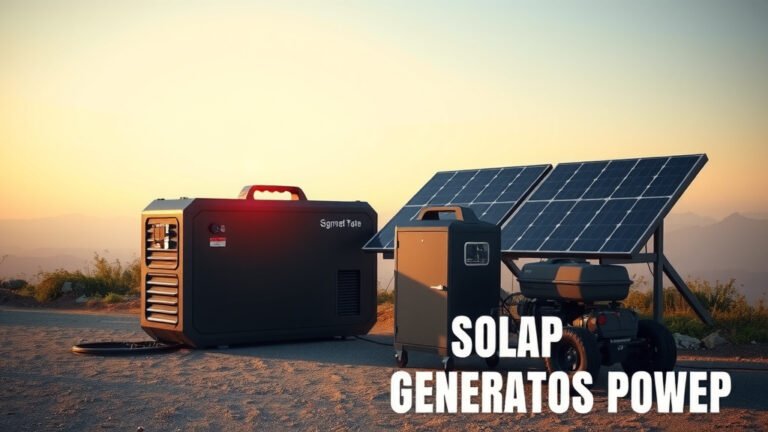
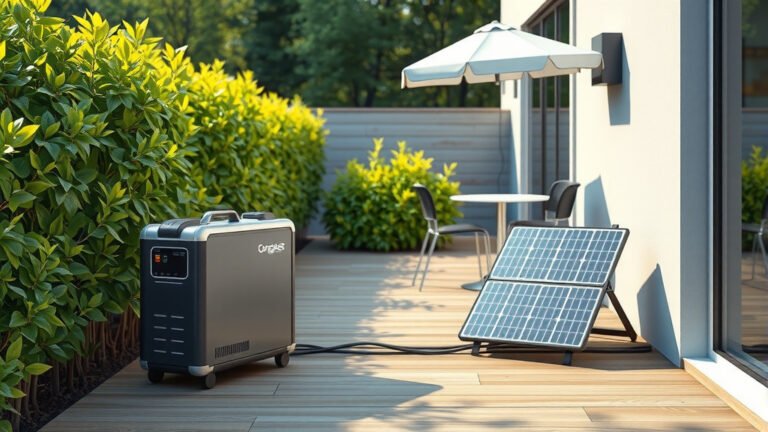
This is where the “solar generator” part of a portable power station shines. Many portable power stations can connect to solar panels. During the day, the solar panels can recharge your power station, giving you virtually endless power as long as the sun is shining.
This setup is perfect for off-grid living, extended camping trips, or simply reducing your reliance on traditional power sources. Research often connects solar panel usage with significant energy independence (NIH).
Can You Power a Soundbar or Other Devices Too?
Absolutely! Just remember to add their wattage to your TV’s consumption. A small soundbar might add another 20-40 watts. A gaming console could add 50-200 watts, drastically reducing your run time. Always calculate the total wattage of all devices you plan to power simultaneously.
Safety Tips for Using Your Setup
Always use your portable power station in a well-ventilated area. Avoid covering it, as it needs airflow to prevent overheating. Never expose it to extreme temperatures or moisture.
Keep the power station and all cords away from children and pets. If you notice any unusual smells, sounds, or excessive heat from the power station or TV, unplug everything immediately and consult the power station’s manual.
Conclusion
Powering your TV with a portable power station is a fantastic way to enjoy your favorite entertainment, regardless of where you are or if the grid is down. By understanding your TV’s power needs, choosing the right power station, and following simple connection steps, you can set up a reliable and convenient viewing experience.
These versatile devices offer true freedom and peace of mind. They are a smart solution for emergency preparedness, outdoor adventures, or simply adding a bit more flexibility to your home.
Can I power any TV with a portable power station?
Most modern TVs can be powered by a portable power station, as long as the station’s AC output wattage meets or exceeds your TV’s power consumption. Older, high-wattage TVs like plasma models might require a larger, more powerful station.
How long will a portable power station power my TV?
The duration depends on the power station’s battery capacity (Watt-hours) and your TV’s wattage. Divide the power station’s Wh by your TV’s W to get an approximate run time in hours. For instance, a 500Wh station running a 50W TV could last about 10 hours.
Do I need any special cables or adapters?
No, generally you do not. You use the standard AC power cord that came with your TV, plugging it directly into the AC outlet on the portable power station. No special adapters are needed for this connection.
What if my TV uses more power than the portable power station can provide?
If your TV’s wattage exceeds the power station’s continuous AC output, the power station might shut down, trigger an overload alarm, or simply not power the TV at all. Always ensure the power station’s output is greater than your TV’s requirement.
Can I charge the portable power station while powering my TV?
Yes, many portable power stations support “pass-through charging,” meaning they can be recharged (e.g., via solar panels or a wall outlet) while simultaneously powering your TV or other devices. Check your specific power station’s manual to confirm this feature.