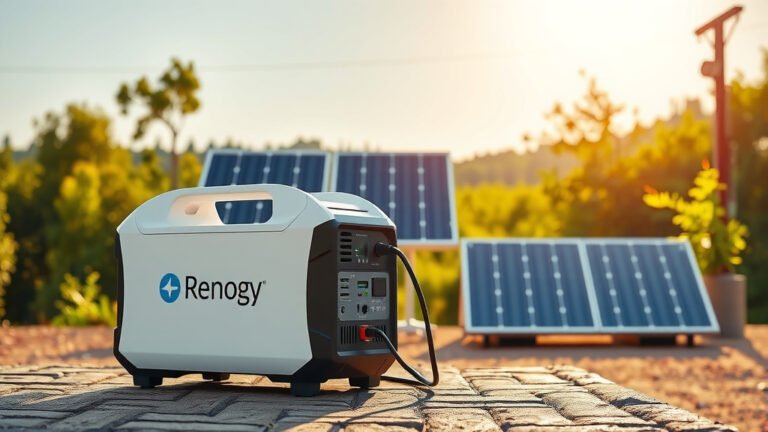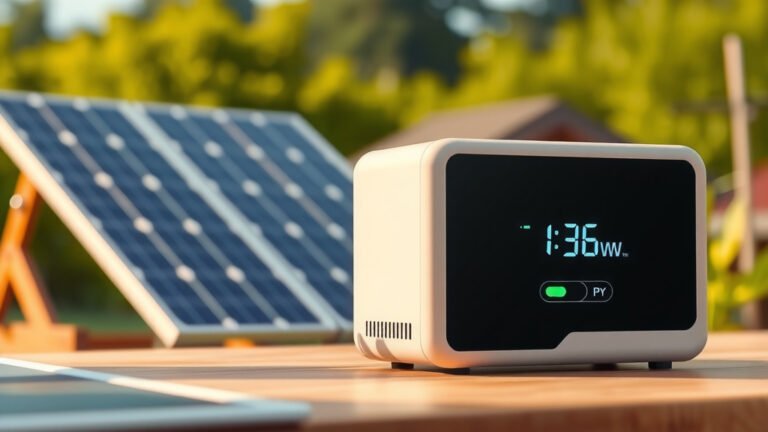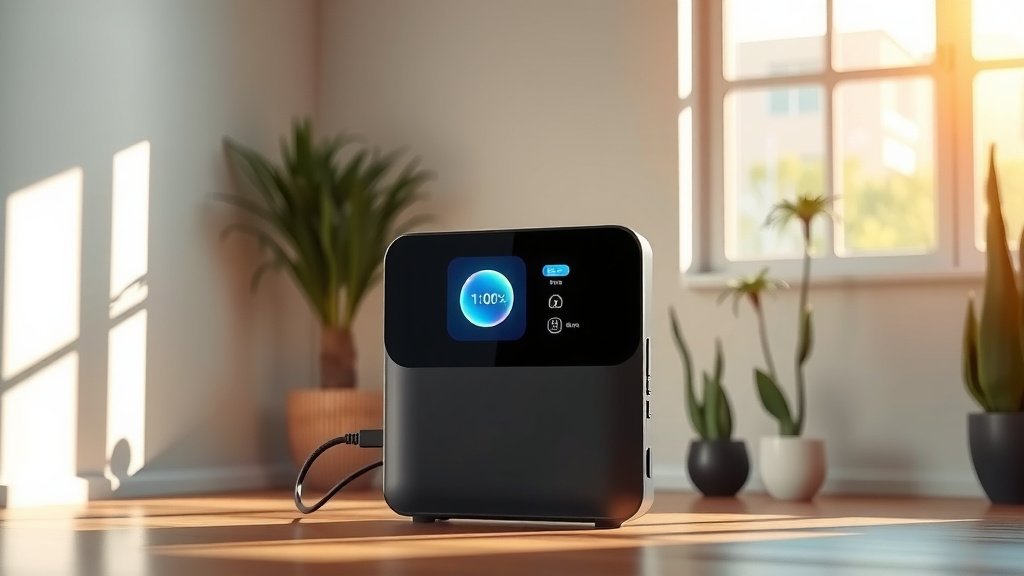
A smart display in a portable power station is your central hub for real-time information, showing you battery levels, power input/output, and device status at a glance.
This intuitive screen helps you monitor and manage your power usage efficiently, ensuring you stay charged and informed during your adventures.
TL;DR:
- Smart displays on portable power stations offer real-time data like battery life and power flow.
- They help you monitor and control your power usage easily.
- These displays often include error alerts and charging status for safety and efficiency.
- Modern smart displays are user-friendly and interactive, making power management simple.
- They are essential for anyone seeking efficient and reliable portable power.
What Is Smart Display In Portable Power Station?
A smart display on a portable power station is the control panel that shows you exactly what your device is doing.
It provides critical information about its status and power flow in a clear, easy-to-understand format.
Think of it as the dashboard of your car, but for your power. You see everything you need to know.
It helps you make smart choices about how and when you use your portable power source.
What Information Does a Smart Display Show You?
When you look at a smart display, you’ll see a lot of helpful numbers and symbols.
These typically include the current battery percentage, just like on your phone.
You also get details on how much power is going into the station and how much is leaving it.
Some models even show you how much time you have left before the battery runs out, or how long until it’s fully charged.
Why Are Smart Displays So Helpful?
Smart displays are incredibly useful because they give you control and peace of mind.
You can quickly see if your devices are charging correctly or if your power station needs a recharge.
Without one, you would be guessing, which isn’t great when you need reliable power for critical items.
Many experts we’ve researched say a clear display is a top feature for user satisfaction.
Beyond Basic Numbers: Advanced Display Features
Modern portable power stations often come with very advanced displays.
These displays can do more than just show numbers; they can help you manage your entire power setup.
Some even allow you to customize settings directly from the screen, without needing an app.
Connecting with Your Power Station: The User Interface
The user interface is simply how you interact with the display.
Is it easy to read? Can you press buttons or use a touchscreen to get the info you need?
A good interface means you can quickly understand and adjust things without a headache.
Real-Time Data: Your Power’s Dashboard
Imagine knowing exactly how much power your mini-fridge is drawing right now.
Real-time data lets you see that instant flow, helping you optimize your power usage on the fly.
It’s like having a live report on your power station’s performance (NIH).
Power In and Out: Understanding the Flow
This feature shows you how much wattage is coming in from a solar panel or wall outlet.
It also displays the wattage going out to charge your laptop or run your blender.
Understanding this flow helps you prevent overloads and use your power more effectively.
Battery Health at a Glance
Some smart displays will offer insights into the overall health of your battery.
This might include temperature warnings or information about the battery’s lifespan.
Keeping an eye on this helps you extend the life of your portable power station.
Managing Your Devices Smartly
With a smart display, you can see if a specific port is active or if there’s an error.
This helps you troubleshoot problems quickly if a device isn’t charging.
It takes the guesswork out of managing multiple gadgets at once.
Common Smart Display Features
- Battery Level Indicator: Shows remaining charge in percentage.
- Input/Output Wattage: Displays power coming in and going out.
- Time Remaining: Estimates how long power will last or until fully charged.
- Port Status: Indicates which ports are active and delivering power.
- Error Warnings: Alerts you to potential issues like overheating or overload.
- Temperature Readout: Shows internal operating temperature.
Display Types: LCD vs. LED Screens
You might wonder about the difference between LCD and LED screens on these devices.
Both serve the same purpose but have slightly different technologies.
Many people find LED screens brighter and with better contrast, especially in direct sunlight.
| Display Type | Key Characteristic | Common Benefit |
|---|---|---|
| LCD (Liquid Crystal Display) | Uses a backlight to illuminate pixels. | Generally more affordable. |
| LED (Light Emitting Diode) | Uses individual LEDs for illumination. | Brighter, better contrast, more energy efficient. |
We found that LED displays are becoming more common due to their clarity and efficiency.
Making Your Life Easier: Everyday Benefits
Imagine camping and knowing exactly how much power is left for your morning coffee maker.
Or during a power outage, seeing that your medical device is getting consistent power.
A smart display removes anxiety by providing clear, constant information.
Troubleshooting Made Simple
If something goes wrong, the smart display often tells you why.
It might flash an error code or a warning icon, helping you fix the issue.
This saves you time and frustration, letting you get back to what you need to do.
Here’s a quick checklist for what a good display can help you with:
- Check if the input cable is connected correctly.
- Confirm if an output port is working.
- Identify if the power station is overheating.
- See if you’re trying to draw too much power.
- Understand if the battery is charging or discharging properly.
What to Look For in a Smart Display
When choosing a portable power station, don’t overlook the display.
Look for a screen that is easy to read in different lighting conditions, both day and night.
The information should be clearly laid out, not cluttered, and easy to navigate.
Some displays offer color coding for different types of information, which is a nice touch.
Conclusion
A smart display is far more than just a screen on your portable power station; it’s your window into its operation.
It gives you the data, control, and confidence needed to truly rely on your portable power solution.
From monitoring battery health to managing various devices, these displays make off-grid power user-friendly.
Choosing a power station with a clear, intuitive smart display means you’re investing in a smoother, more informed power experience.
What kind of error messages might a smart display show?
A smart display might show warnings for conditions like ‘Overload’ if you connect too many devices, ‘Overheating’ if the unit gets too hot, or ‘Low Battery’ when charge is critical. Some may also indicate ‘Input Error’ if the charging source isn’t working.
Can I control the power station settings from the smart display?
Yes, many modern portable power stations allow you to control certain settings directly from the smart display. This might include turning AC or DC outputs on/off, adjusting screen brightness, or even changing charging modes, depending on the model.
Is a touchscreen smart display better than one with physical buttons?
Both touchscreen and button-controlled smart displays have benefits. Touchscreens can offer a more intuitive and modern interface, while physical buttons can be easier to use with gloves or in wet conditions. The ‘better’ option often depends on your personal preference and planned usage.
Do all portable power stations have smart displays?
While most mid-to-large portable power stations feature some form of display, the “smartness” varies. Smaller, more basic models might only have simple LED indicator lights for battery level, not a comprehensive digital screen with detailed readouts and controls.
How does a smart display help extend battery life?
By providing real-time data, a smart display helps you avoid situations that degrade battery health, such as deep discharging or prolonged overheating. Knowing your power consumption and remaining capacity allows you to manage usage proactively, which can contribute to a longer battery lifespan.