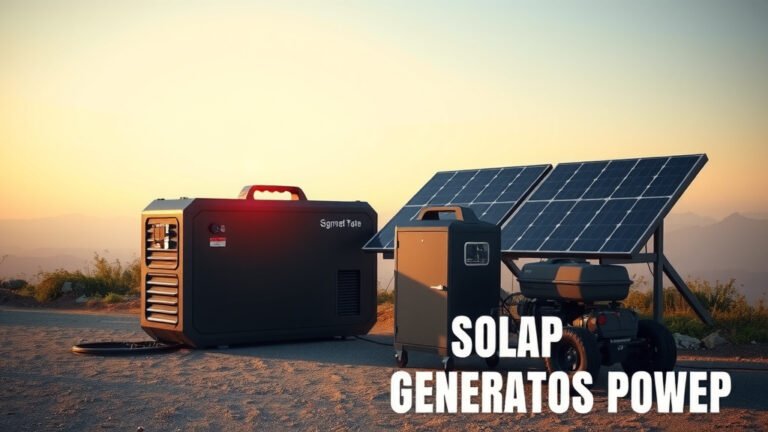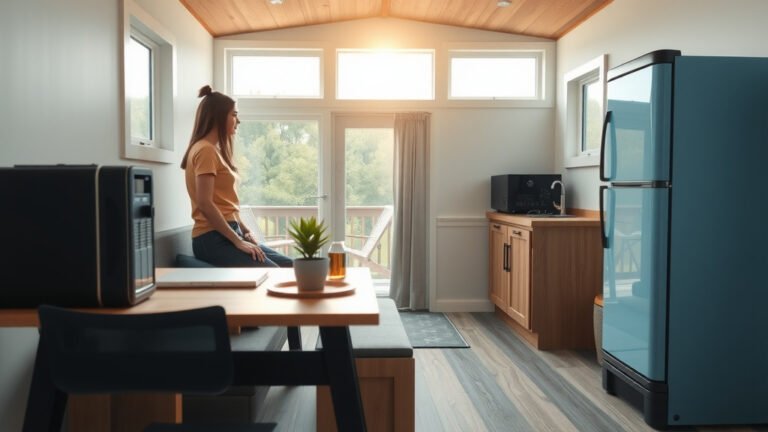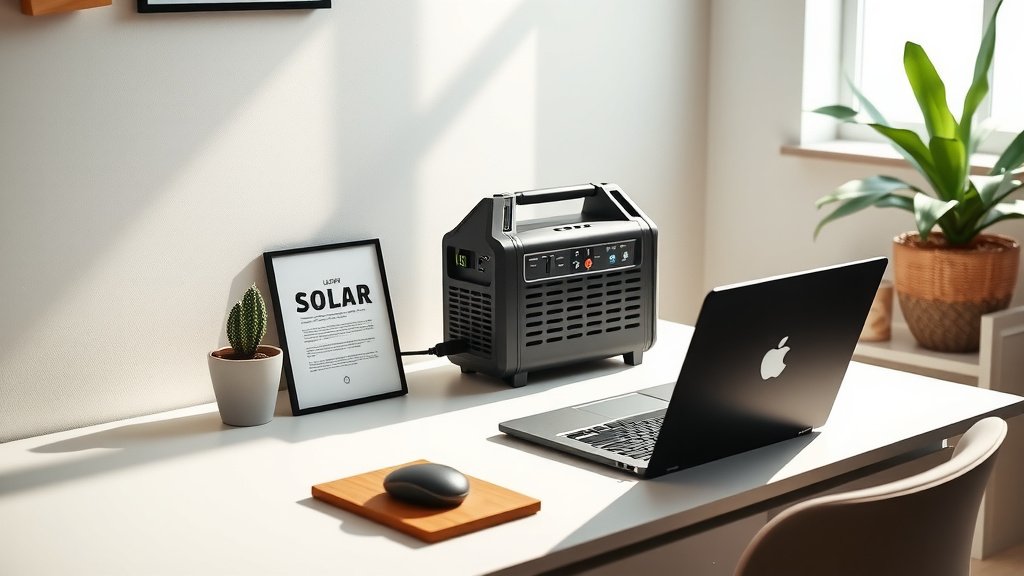
Setting up your home office with a solar generator helps you maintain productivity during power outages and reduces your reliance on grid electricity. It’s a smart, eco-friendly way to keep your essential devices running smoothly.
You can power laptops, monitors, Wi-Fi routers, and charging bricks by connecting them directly or through a power strip to your solar generator’s AC or DC outlets.
TL;DR: Powering your home office with solar is simpler than you might think:
- Assess your daily power needs for all office equipment.
- Choose a solar generator with enough battery capacity and output.
- Connect compatible solar panels for recharging during the day.
- Plug in your devices to keep working, even when the grid fails.
- Monitor usage to ensure you stay within your generator’s capacity.
How To Use Solar Generator For Home Office Setup?
Imagine hitting a deadline, and suddenly, the lights go out. Frustrating, right? Using a solar generator for your home office setup is like having a secret superpower against power outages. It keeps your work flowing without a hitch.
This guide will walk you through everything you need to know. You’ll learn how to pick the right equipment, set it up, and keep your office powered with sunshine.
Why a Solar Generator for Your Home Office?
More and more people are working from home, making reliable power a must. A solar generator offers more than just backup; it provides energy independence. It’s a way to take control of your power supply.
Beat Power Outages
Unexpected blackouts can bring your workday to a halt. A portable power station, charged by solar, acts as your personal energy reserve. It ensures you can keep meeting deadlines and staying connected (Consumer Reports).
Go Green, Save Money
Using solar power means tapping into a clean energy source. You reduce your carbon footprint and can potentially lower your electricity bills over time. It’s a win-win for both your wallet and the planet.
Choosing the Right Solar Generator
Picking the perfect solar generator feels a bit like choosing the right tool for a job. You need one that matches your specific office needs. Let’s break down what matters most.
Power Needs Assessment
First, figure out what devices you use and how much power they consume. This is called their wattage. A laptop might use 60W, while a monitor could use 20W. Add them all up to find your total power demand.
We found that many people underestimate their total office power consumption. Make a list of everything, including chargers for phones or tablets (Energy.gov).
Consider this table to estimate common home office device wattage:
| Device | Average Wattage (W) | Usage Time (Hours/Day) |
|---|---|---|
| Laptop | 45-90 | 8 |
| Desktop Monitor | 20-50 | 8 |
| LED Desk Lamp | 5-15 | 8 |
| Wi-Fi Router | 5-15 | 24 |
| Smartphone Charger | 5-10 | 2 |
| Printer (Inkjet) | 20-40 (idle), 200-400 (printing) | 0.5 |
Battery Capacity and Output
Your solar generator’s battery capacity is measured in Watt-hours (Wh). This tells you how long it can power your devices. Its output, in Watts (W), indicates how much power it can deliver at one time.
If your office setup needs 100W continuously, a 500Wh generator could power it for about 5 hours. We advise going for a model with slightly more capacity than you think you need.
Solar Panel Matching
The solar panels charge your generator. Their wattage should match your generator’s input capacity. If your generator can take 100W input, a 100W or larger panel will charge it faster.
Look for portable, foldable solar panels. They are easy to set up and adjust throughout the day. Many experts suggest choosing panels from the same brand as your generator for best compatibility.
Setting Up Your Home Office with Solar Power
Once you have your solar generator and panels, setting up is quite straightforward. You don’t need to be an electrician to get started. Just follow a few simple steps.
Optimal Panel Placement
For efficient charging, place your solar panels where they get direct sunlight. A south-facing window or an outdoor spot free of shade works best. Adjust them as the sun moves for maximum energy capture.
Tilting panels at an angle helps them catch more rays. Many found that even a slight adjustment makes a big difference in charging speed.
Connecting Your Devices
Most solar generators have multiple output ports: AC outlets (like your wall sockets), USB ports, and DC car ports. Plug your laptop, monitor, and other AC devices into the AC outlets. Use USB ports for charging phones and tablets.
Always connect your generator to your devices before turning them on. This helps protect your electronics from sudden power surges.
Daily Usage Tips for Efficiency
Using your solar generator effectively means being smart about your power consumption. A few daily habits can help extend your battery life and maximize your solar charging.
Monitor Your Power
Many solar generators have screens that show input (charging) and output (using) power. Pay attention to these numbers. It helps you understand your usage and how much power is left.
Knowing your real-time consumption helps you manage your workday. You’ll know if you can run the coffee maker or if you should stick to just your essentials.
Smart Device Management
When you’re not using a device, turn it off or unplug it. Devices in standby mode still draw a small amount of power, known as “phantom load.” This adds up over time.
Charge your generator fully when the sun is brightest. Then, use that stored energy throughout the day, especially when the sun isn’t shining. It’s like filling up your car’s gas tank when gas is cheapest.
Maintaining Your Solar Setup
Taking good care of your solar generator and panels will ensure they serve your home office for years to come. It’s all about simple, regular checks.
Regular Cleaning
Dust, dirt, and leaves can reduce your solar panel’s efficiency. Gently wipe your panels with a damp cloth every few weeks. We found that clean panels perform significantly better (Energy Department).
Keep the generator unit itself clean and free from debris. Store it in a cool, dry place when not in use. This prevents overheating and extends its lifespan.
Checklist for Optimal Performance:
- Regularly wipe down solar panels.
- Ensure cables are free of kinks and damage.
- Keep generator ports clean and clear.
- Store the generator in a dry, temperate area.
- Monitor battery health via the display or app.
- Avoid over-discharging the battery often.
Conclusion
A solar generator for your home office setup is a practical investment. It offers peace of mind against power outages, supports sustainable living, and gives you energy independence. By assessing your needs, choosing the right equipment, and following smart usage habits, you can create a reliable, eco-friendly workspace.
Take charge of your power. Enjoy uninterrupted productivity, powered by the sun. It’s a smart move for any remote professional.
Are solar generators complicated to set up?
No, most solar generators are designed for easy plug-and-play setup. You simply connect the solar panels to the generator and then plug your office devices into the generator’s outlets. Instructions are typically clear and user-friendly.
Can a solar generator power multiple devices at once?
Yes, many solar generators come with multiple AC outlets, USB ports, and DC ports, allowing you to power several devices simultaneously. Just make sure the total wattage of all connected devices doesn’t exceed the generator’s maximum output capacity.
How long does it take to charge a solar generator with solar panels?
Charging time varies greatly depending on the size of your solar panels, the generator’s battery capacity, and sunlight conditions. For example, a 100W panel might charge a 500Wh generator in 5-10 hours of ideal sunlight.
What kind of maintenance does a solar generator need?
Solar generators require minimal maintenance. Regularly wipe down solar panels to keep them clean, ensure all cables are in good condition, and store the generator in a dry, temperate place when not in use. Check the battery health periodically.
Are solar generators safe to use indoors for a home office?
Yes, solar generators are very safe for indoor use. Unlike gas generators, they produce no fumes, require no ventilation, and operate silently. This makes them ideal for a quiet and clean home office environment.