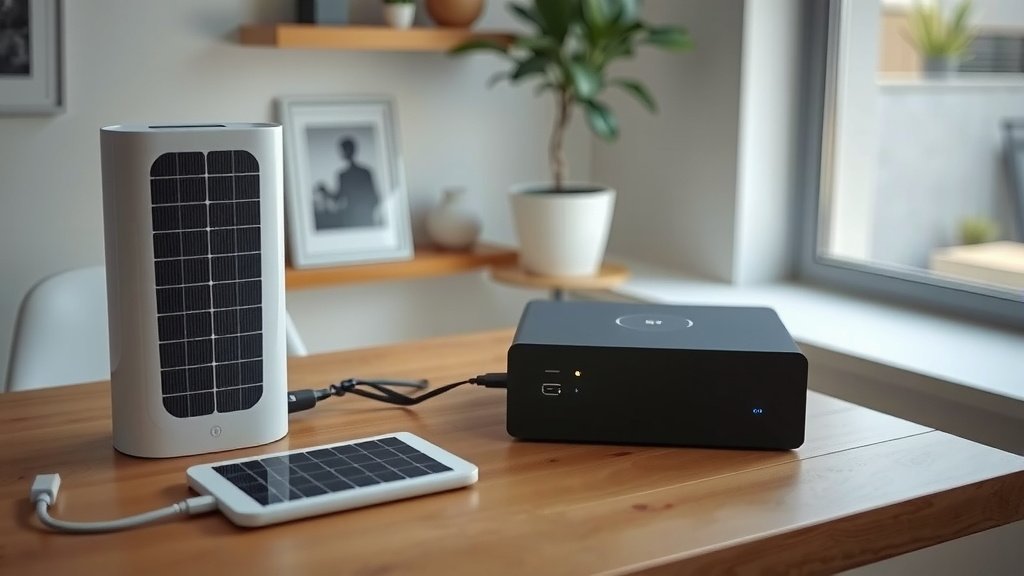
Troubleshooting portable power station issues often starts with checking the most obvious culprits first, like ensuring all cables are securely connected and the unit has a sufficient charge.
If your portable power station isn’t working right, a simple power cycle or checking its manual for specific error codes can often help you pinpoint the problem quickly.
TL;DR: Here’s a quick guide to common portable power station fixes:
- Always check your cables and connections first.
- Restarting the power station can resolve many minor glitches.
- Verify the battery level; a low charge stops power output.
- Extreme temperatures can affect performance; move it to a moderate spot.
- If issues persist, consult the user manual or contact customer support.
How To Troubleshoot Portable Power Station Issues?
Facing a problem with your portable power station can feel frustrating, especially when you need power most. Most issues can be resolved with a few simple, logical steps.
Understanding Common Problems
Portable power stations are generally reliable, but like any electronic device, they can have hiccups. We found that the most frequent complaints include units not turning on, failing to charge, or not delivering power output.
Other common issues might involve unusual sounds, strange smells, or a display screen that is not working. Don’t worry, many of these are fixable right at home.
Safety First: Before You Begin
Before you start poking around, remember safety is key. Always ensure the unit is turned off and disconnected from any power sources or devices. Avoid opening the casing unless specifically instructed by the manufacturer, as this can void warranties or cause harm.
Basic Troubleshooting Steps to Try Now
When your power station acts up, start with these universal steps. They address the majority of quick fixes we found.
Check Connections and Cables
Are all the cables plugged in snugly? This might seem obvious, but a loose AC adapter or a wobbly USB cable can prevent charging or output. Sometimes, a faulty cable itself is the culprit. Try a different cable if you have one.
Perform a Power Cycle (Restart)
Just like your smartphone, sometimes a simple restart can clear up software glitches. Turn your portable power station completely off, wait for a minute or two, and then turn it back on. This often resolves minor operational oddities (research suggests this helps many electronic devices).
Verify Battery Level
Is your unit simply out of juice? Many power stations won’t output power if their battery level is too low. Check the display for the current charge percentage. If it’s low, try plugging it into a wall outlet to charge for a bit.
Consider Environmental Factors
Portable power stations perform best within a certain temperature range. Extreme cold or heat can cause them to shut down or not function properly. If it’s very hot or cold, move your unit to a moderate environment and let it adjust. This is a common suggestion in user manuals.
Look for a Reset Button
Some models have a small reset button, often recessed to prevent accidental presses. You might need a paperclip to press it. This can sometimes restore the unit to its default state. Consult your manual to see if your model has this feature.
When Your Portable Power Station Isn’t Charging
A power station that won’t charge is like a car with an empty tank. Here are specific steps.
Troubleshooting AC Charging
If charging via a wall outlet, first check the wall socket with another device to ensure it’s working. Next, inspect the charging brick and cable for any signs of damage. Sometimes, a different AC cable is all you need.
Troubleshooting Solar Charging
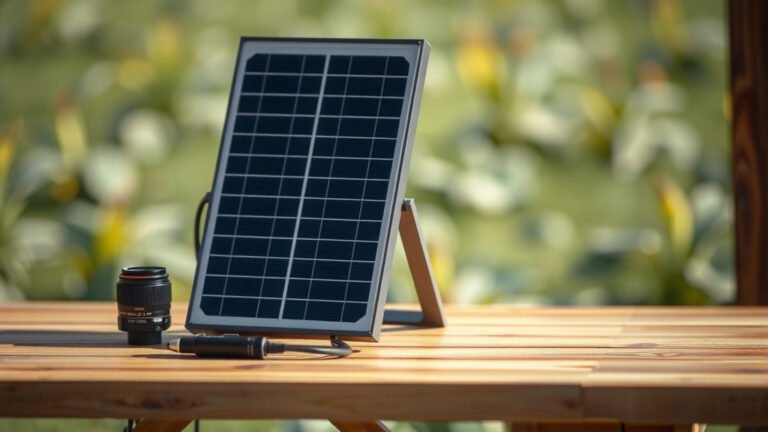
For solar issues, ensure your solar panels are clean, facing the sun directly, and not shaded. Also, verify that the solar input cable is correctly connected and undamaged. Many experts say a dirty panel drastically reduces efficiency (NREL research).
Check the voltage and amperage output of your solar panels if possible, to make sure they are within the power station’s acceptable input range.
When There’s No Power Output
If your devices aren’t getting power, let’s explore why.
AC Output Problems
Make sure the AC output is actually turned on. Many units have a separate button to activate the AC outlets. Is the device you’re trying to power within the power station’s wattage limit? Overloading it will trigger a safety shutdown.
DC and USB Output Problems
Similar to AC, ensure DC or USB outputs are activated. Try plugging in a different, low-power device to test if the port itself is functioning. Sometimes a specific port might fail while others work fine.
| Issue | Likely Cause | Quick Fix |
|---|---|---|
| Not Turning On | Low battery, faulty switch | Charge fully, perform power cycle |
| Not Charging | Bad cable, wall outlet, solar panel issue | Check all connections, try different cables/sources |
| No Power Output | Overload, output not activated, faulty port | Check wattage, activate output, try different ports |
| Error Message | Internal fault, extreme temperature | Consult manual for code, move to moderate temp |
Understanding Error Codes and Warnings
Many modern portable power stations feature a display screen that shows error codes. These codes are like secret messages from your unit. Refer to your user manual; it usually has a section explaining what each code means and how to address it. We found that consulting the manual first saves a lot of guesswork.
When to Consider Professional Help or Warranty
If you’ve tried all the basic troubleshooting steps and your portable power station is still acting up, it might be time for more serious action. If the unit is making unusual noises, smells like burning plastic, or has visible damage, stop using it immediately. Contact the manufacturer’s customer support. They can guide you through advanced diagnostics or advise on warranty repairs or replacements. Most manufacturers have excellent support teams ready to help.
Preventative Measures: Keep Your Power Station Happy
An ounce of prevention is worth a pound of cure, right? Keep your power station performing optimally with these tips:
- Store it properly: Keep it in a cool, dry place, away from direct sunlight.
- Charge regularly: Don’t let the battery sit at zero for extended periods. Many experts recommend keeping it at least 50% charged for long-term storage (Battery University).
- Clean regularly: Wipe down ports and surfaces to prevent dust buildup.
- Avoid overloading: Stay within the specified wattage limits for your devices.
- Use quality accessories: Stick to manufacturer-recommended charging cables and adapters.
Troubleshooting Checklist
Here’s a quick list to run through when issues arise:
- Is it turned on?
- Are all cables securely connected?
- Is the battery charged sufficiently?
- Is the environment temperature appropriate?
- Have I tried a power cycle (turn off/on)?
- Is the output port activated?
- Am I within the power station’s wattage limit?
Conclusion
Troubleshooting portable power station issues doesn’t have to be daunting. By systematically checking connections, power cycling, monitoring battery levels, and understanding environmental factors, you can resolve most common problems. Remember to prioritize safety and consult your user manual for specific error codes. With a little patience, you’ll likely get your power flowing again, keeping you prepared for any adventure or outage. Happy powering!
How often should I charge my portable power station if not in use?
It’s generally recommended to charge your portable power station to about 50-80% every 3-6 months, even if you are not using it. This helps maintain battery health and prevents deep discharge, which can shorten its lifespan.
Can I use my portable power station while it’s charging?
Yes, many portable power stations support pass-through charging, meaning you can use them to power devices while the unit itself is charging. However, always check your specific model’s user manual, as some older or budget-friendly models might not recommend this practice.
What does it mean if my power station’s fan runs constantly?
A constantly running fan usually indicates that the internal components are getting warm, and the fan is working to dissipate heat. This can happen during heavy use, fast charging, or if the unit is in a warm environment. Ensure the vents are clear and the unit is not overloaded.
Is it safe to leave a portable power station plugged in all the time?
Most modern portable power stations have advanced battery management systems that prevent overcharging. While leaving them plugged in usually won’t cause damage, for optimal battery longevity, some manufacturers recommend unplugging once fully charged, especially if storing for extended periods. Consult your manual for the best practice for your specific model.
Why does my power station show a lower capacity than advertised after some use?
Over time, all rechargeable batteries experience a natural degradation, meaning their maximum capacity will slightly decrease. Factors like frequent deep discharges, extreme temperatures, and age can accelerate this process. It’s a normal part of battery life, often becoming noticeable after a year or more of regular use.