
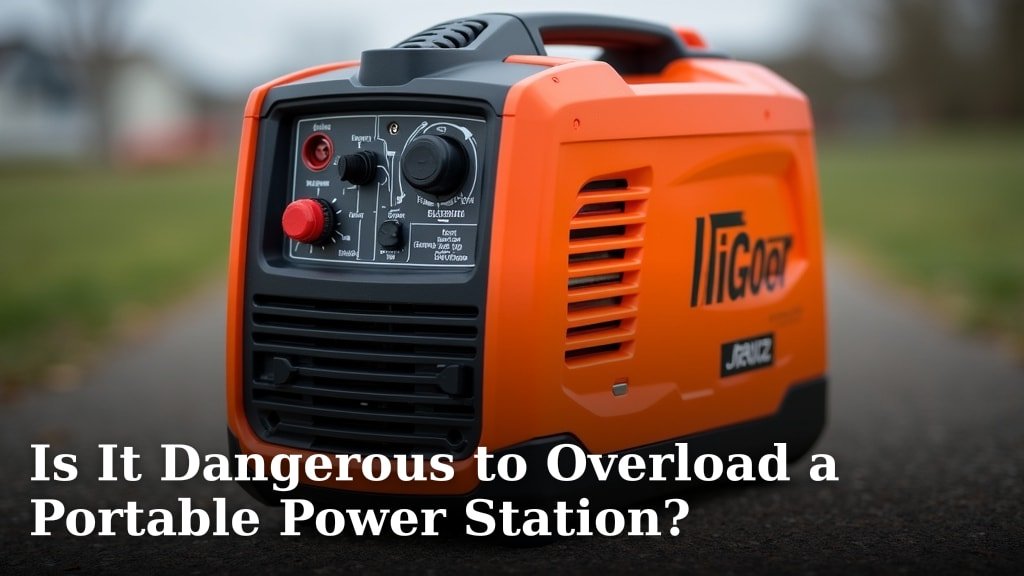
Yes, it can be dangerous to overload a portable power station, and doing so can lead to overheating, damage, or even a fire hazard. When you exceed the device’s rated wattage, you’re asking it to do more work than its internal components are designed to handle, risking a system failure.
Many users wonder if pushing their power station to its limits is safe, but exceeding its output capacity can cause serious harm. It’s like trying to run a marathon after only jogging around the block – your system can get seriously stressed. Understanding your power station’s limits protects both the device and your personal safety.
- Overloading can cause overheating and damage.
- It may shorten the lifespan of your power station.
- Exceeding wattage can create a fire risk.
- Always check the rated output before plugging in devices.
Let’s break down exactly what happens when you overload a portable power station and how to keep yours running safely.
You might be tempted to push your portable power station to its absolute limits, especially when you’re out camping, working remotely, or dealing with a power outage. But is it really safe to overload it? The short answer is no, and we’re here to explain why.
What Happens When You Push a Power Station Too Hard
When you exceed the maximum wattage your power station is rated for, you’re essentially asking it to do more work than its internal systems can handle. This overload can trigger a cascade of problems, starting with your device’s own safety features and potentially leading to damage.
Understanding Wattage Limits
Every power station has a stated continuous wattage and a peak (or surge) wattage. The continuous wattage is the amount of power it can supply constantly. The peak wattage is the higher amount it can handle for a very short burst, usually when a device first starts up (like a refrigerator kicking in). Exceeding the continuous wattage is the most common way to overload it. You might also overload it if your devices’ combined surge wattage exceeds the power station’s peak rating for too long.
The Consequences of Overloading
When the load is too high, the power station’s internal components, especially the inverter, start to work overtime. This generates excess heat. If the heat can’t dissipate quickly enough, temperatures rise. This isn’t just uncomfortable; it’s dangerous.
Overheating: The First Warning Sign
Think of it like running a marathon without any breaks. Your body gets hot, right? A power station’s internal components do too. Overheating can lead to component degradation over time, meaning parts wear out faster than they should. In severe cases, extreme heat can cause immediate damage to the sensitive electronics inside.
Damage to Internal Components
The inverter is often the first component to suffer. It converts the DC power from the battery to the AC power your devices use. When overloaded, it can overheat and fail. This isn’t just a minor hiccup; it can render your power station useless.
Shortened Lifespan
Even if your power station has protection systems that shut it down before catastrophic failure, repeatedly overloading it will put immense stress on its battery and electronics. This consistent strain can significantly reduce the overall lifespan of the unit, meaning you’ll need to replace it sooner.
Safety Risks Associated with Overloading
Beyond just damaging your equipment, overloading a power station can pose genuine safety risks to you and your surroundings. These risks are not to be taken lightly.
The Fire Hazard Factor
This is perhaps the most serious concern. Excessive heat generated by an overloaded power station can potentially ignite nearby flammable materials. If the internal protection systems fail or are bypassed, the uncontrolled heat can lead to a thermal runaway event. Many battery manufacturers, including those producing lithium-ion batteries commonly found in power stations, warn about the dangers of overheating. They emphasize that high temperatures can destabilize the battery chemistry, increasing the risk of combustion (National Institute of Standards and Technology).
Electrical Faults and Short Circuits
When components are pushed beyond their limits, they can fail in unexpected ways. This can lead to electrical shorts within the unit. A short circuit can cause a sudden, massive surge of current, generating intense heat and sparks. This dramatically increases the risk of fire and can also cause damage to the devices you have plugged in.
Damage to Connected Devices
It’s not just the power station that’s at risk. If the power station experiences an electrical fault due to overloading, it can send unstable or incorrect voltage to the devices you’re trying to power. This can fry your laptop, damage your phone, or ruin other sensitive electronics. It’s a lose-lose situation.
How to Safely Use Your Portable Power Station
The good news is that avoiding these dangers is straightforward. It all comes down to understanding your power station’s capabilities and using it wisely.
Know Your Power Station’s Ratings
Before you plug anything in, you need to know your power station’s continuous and surge wattage. These numbers are usually found on the device itself, in the user manual, or on the manufacturer’s website. Don’t guess; verify!
Calculate Your Total Wattage Needs
Make a list of all the devices you plan to run simultaneously. Find the wattage for each device. You can usually find this on a label on the device or its power adapter. Add up the wattage of all devices. Remember to account for surge wattage, especially for appliances that have motors, like blenders, fans, or refrigerators.
Example: Camping Scenario
Let’s say you want to power:
- A laptop (65 watts)
- A phone charger (10 watts)
- A small fan (30 watts)
- A coffee maker (800 watts, with a surge of 1200 watts)
The total continuous wattage needed is 65 + 10 + 30 + 800 = 905 watts. The peak surge wattage will be dictated by the coffee maker at 1200 watts. You need a power station that can comfortably handle at least 905 watts continuously and ideally has a surge rating above 1200 watts.
Prioritize and Distribute Your Load
If your total wattage needs exceed your power station’s capacity, you’ll need to make choices. Can you run some devices sequentially instead of all at once? For example, run the coffee maker, then unplug it and plug in the blender. Distributing the load means you’re never exceeding the continuous or surge limits at any given moment.
Use Built-in Protection Features
Most modern power stations have built-in overload protection. When they detect too much power draw, they will shut themselves down to prevent damage. This is a critical safety feature. You’ll usually see an indicator light or a message on a display screen. Don’t ignore these warnings; they’re your power station telling you it’s in distress.
Keep It Cool
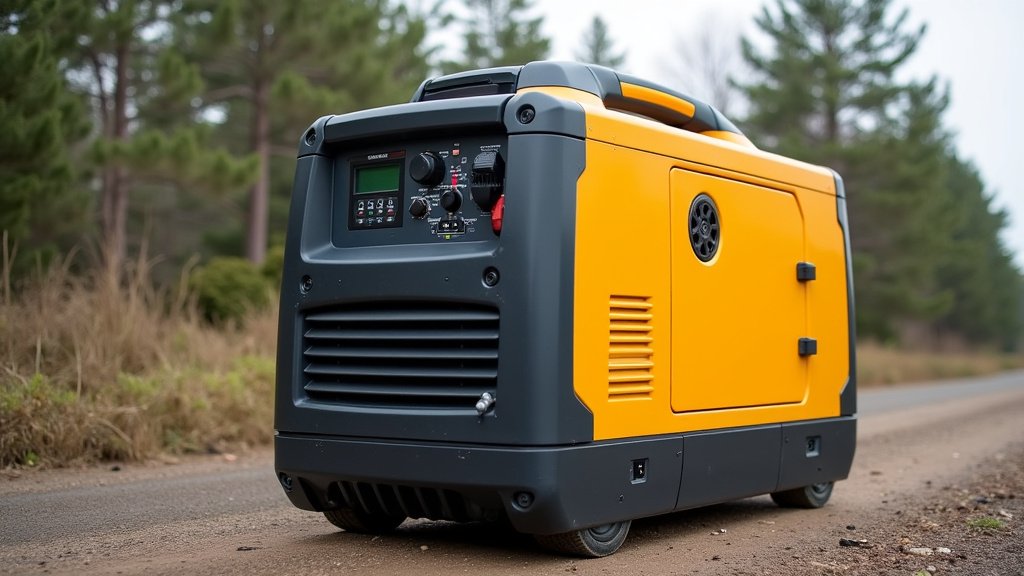
Overheating isn’t just caused by overload; ambient temperature plays a big role. Always use and store your power station in a well-ventilated area, away from direct sunlight or heat sources. Don’t cover the vents. Proper airflow is essential for dissipating heat, even when you’re not overloading it.
We found that many users overlook the importance of ventilation, but it’s a key factor in maintaining safe operating temperatures (Consumer Reports).
Checklist for Safe Power Station Usage
To help you keep your portable power station operating safely and efficiently, keep this simple checklist handy:
- Verify Wattage: Always know your power station’s continuous and surge wattage limits.
- Calculate Loads: Add up the wattage of all devices you intend to run simultaneously.
- Watch for Surge: Pay special attention to devices with high startup (surge) power needs.
- Respect Limits: Never plug in more devices than your power station can handle.
- Monitor Vents: Ensure your power station has adequate airflow and isn’t covered.
- Heed Warnings: Pay attention to any error lights or shutdown notifications from your device.
Conclusion
You now know that overloading your portable power station isn’t just risky; it’s dangerous. Pushing its limits can lead to overheating, permanent damage, and even create a fire hazard. Always respect your device’s continuous and surge wattage ratings. Before plugging in your gear, take a moment to calculate the total power needs. By understanding your power station’s capabilities and managing your power demands, you can keep yourself and your equipment safe. Make it a habit to check your device’s limits before each use for peace of mind.
Frequently Asked Questions
What’s the difference between continuous and surge wattage?
Continuous wattage is the amount of power your power station can supply constantly. Surge wattage is the higher amount it can handle for a very short burst, often when a device starts up. You need to ensure your total needs don’t exceed the continuous rating, and high-demand devices don’t exceed the surge rating for too long.
Can I plug in multiple devices if their total wattage is under the limit?
Yes, you can plug in multiple devices as long as their combined *continuous* wattage does not exceed your power station’s continuous wattage rating. You also need to be mindful of the *surge* wattage required by any of those devices upon startup.
What should I do if my power station shuts down unexpectedly?
If your power station shuts down, it’s likely due to its built-in overload protection kicking in. Unplug some of your devices to reduce the load. Ensure the power station has adequate ventilation and allow it to cool down before trying to use it again. Consult your manual for specific error codes or indicators.
Will a faulty outlet or cable overload my power station?
A faulty outlet or cable on the device you’re trying to power could cause a short circuit or draw excessive power, potentially leading to an overload. Always use high-quality, appropriate cables and ensure the devices you connect are in good working condition.
How can I tell if my power station is overheating?
You might feel excessive heat emanating from the unit, or hear the fan running constantly at a high speed. Many power stations also have indicator lights or display messages that signal overheating. If you notice these signs, disconnect devices immediately and move the unit to a cooler, well-ventilated area.
