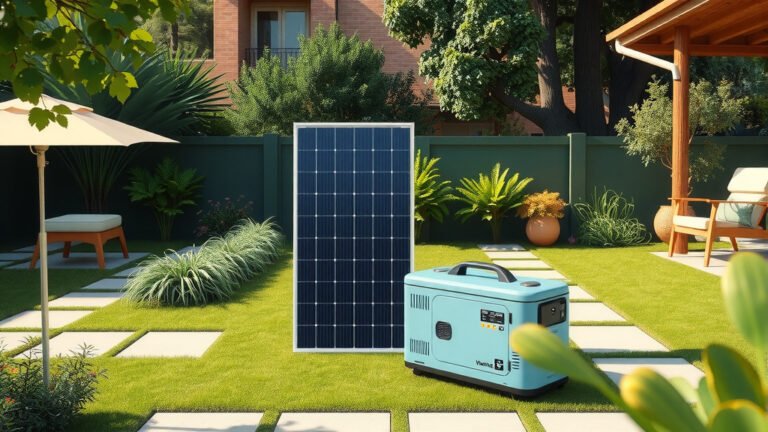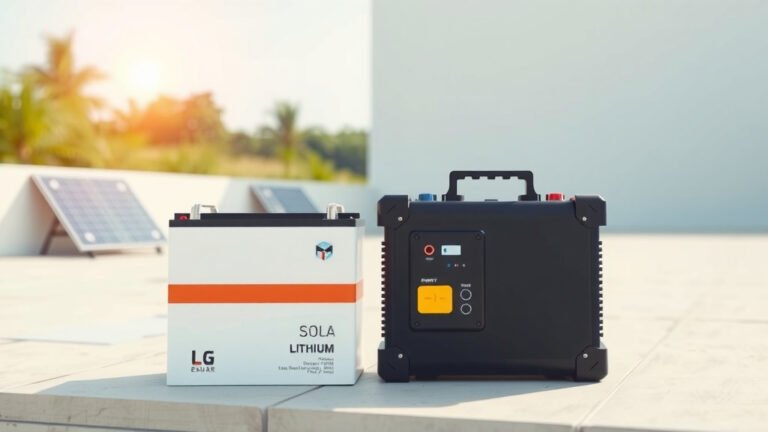
To connect solar panels to a power station, you need compatible MC4 connectors, proper voltage matching, and the right cable gauge for your system’s amperage requirements.
Most portable power stations accept solar input through a dedicated charging port that connects directly to your solar panel array using MC4 to barrel plug adapters.
Understanding Solar Panel Connections
Solar panels work like tiny power plants. They capture sunlight and turn it into electricity your power station can store.
Think of it like filling a water tank with a garden hose. The solar panels are your hose, and the power station is your tank. You need the right connections to make everything flow smoothly.
Types of Solar Panel Connectors
MC4 connectors are the industry standard. These weatherproof plugs snap together like puzzle pieces. They’re designed to handle outdoor conditions without loosening.
Some older panels use different connectors. But don’t worry – you can buy adapters for almost any combination.
Voltage Requirements Matter
Your power station has voltage limits. Going over these limits can damage your equipment permanently.
Check your power station manual for maximum input voltage. Most portable units accept 12V to 60V input. Solar panels typically produce 18V to 22V each.
What You’ll Need Before Starting
Getting organized saves time and prevents mistakes. Here’s your shopping list:
- Solar panels with MC4 connectors
- MC4 to barrel plug adapter (matches your power station)
- MC4 parallel or series connectors (if using multiple panels)
- Multimeter for testing voltage
- Cable management ties
Choosing the Right Adapter Cable
Power stations use different charging ports. Some have barrel plugs, others use proprietary connectors.
Measure your power station’s charging port diameter. Common sizes are 5.5mm, 7.9mm, and 8mm. Buy the matching adapter cable.
Cable Gauge Considerations
Thicker cables handle more current safely. Using too-thin cables creates heat and power loss.
For most portable setups, 12 AWG cable works well. If you’re running long distances or high amperage, consider 10 AWG.
Step-by-Step Connection Process
Safety first. Never connect panels while they’re in direct sunlight. Cover them with a blanket or work in shade.
Step 1: Test Your Equipment
Use your multimeter to check panel voltage. Touch the red probe to positive, black to negative.
A good 100W panel should read around 18V to 22V in sunlight. If you get zero or strange readings, check your connections.
Reading Voltage Correctly
Set your multimeter to DC voltage mode. The display should show a steady number in bright sun.
Voltage drops in cloudy conditions. This is normal. Your power station will charge slower but still work.
Step 2: Connect Single Panel Setup
Single panel connections are straightforward. Plug your MC4 to barrel adapter directly into the panel’s output cables.
Red wire goes to positive (+). Black wire goes to negative (-). The connectors only fit one way, so you can’t mess this up.
Making Secure Connections
MC4 connectors click when properly seated. You should hear a distinct snap sound.
To disconnect MC4 plugs, squeeze the plastic tabs while pulling. Never yank on the wires themselves.
Step 3: Multiple Panel Configurations
Multiple panels give you more power and faster charging. You can wire them in series or parallel.
Series Wiring Explained
Series wiring adds voltages together. Two 20V panels in series produce 40V total.
Connect the positive of panel 1 to the negative of panel 2. Your output comes from the remaining positive and negative terminals.
Parallel Wiring Benefits
Parallel wiring keeps voltage the same but doubles current capacity. Two 20V panels in parallel still produce 20V.
Connect all positive terminals together and all negative terminals together. This setup works better in partial shade conditions.
Power Station Connection Steps
Now comes the moment of truth. Time to connect everything to your power station.
Locate the Solar Input Port
Most power stations label their solar input clearly. Look for icons showing a sun or solar panel symbol.
Some units have combined AC/DC input ports. Check your manual to avoid plugging into the wrong spot.
Insert the Adapter Cable
Push the barrel plug firmly into the solar input port. Most ports have a slight resistance before seating fully.
Your power station display should show solar input detected. Many units beep or flash lights to confirm connection.
Troubleshooting Connection Issues
No charging indicator? Check these common problems first:
- Panels covered or in shade
- Loose MC4 connections
- Wrong adapter cable size
- Power station already fully charged
Testing Your Solar Setup
Testing prevents problems before they start. A few minutes checking everything saves hours of troubleshooting later.
Voltage Testing at Each Stage
Test voltage at the panels first. Then test at the adapter cable end. Finally, check what your power station receives.
Voltage should stay consistent through each connection point. Big drops indicate loose connections or damaged cables.
Monitoring Charging Performance
Most power stations show real-time charging watts on their displays. This number tells you how well everything works.
Expect lower numbers in morning and evening. Peak performance happens between 10 AM and 2 PM in most locations.
Normal Performance Expectations
A 100W panel rarely produces exactly 100W. Expect 70-85W in good conditions due to system losses.
Temperature affects output too. Hot panels produce less voltage than cooler ones. This is normal physics, not a problem.
Optimizing Your Solar Charging
Good connections are just the start. Smart positioning and maintenance keep your system running at peak efficiency.
Panel Positioning Tips
Face panels directly toward the sun for maximum power. Even 15 degrees off-angle reduces output significantly.
Tilt panels at your latitude angle for best year-round performance. A simple phone app can help you find the right angle.
Shade Management
Shade kills solar performance. Even a small shadow across one panel can reduce total system output by 50% or more.
Move panels throughout the day to avoid shade from trees, buildings, or camping equipment. The extra effort pays off in faster charging.
Dealing with Partial Shade
If you can’t avoid shade completely, parallel wiring helps. Shaded panels won’t drag down unshaded ones as much.
Power optimizers are another solution, but they add cost and complexity to portable setups.
Safety Considerations
Solar systems are generally safe, but electricity deserves respect. Following basic safety rules prevents accidents.
Electrical Safety Basics
Never work on live connections in wet conditions. Water and electricity make a dangerous combination.
Use insulated tools when possible. Keep spare fuses handy in case of electrical problems.
Equipment Protection
Your power station has built-in protection, but prevention works better than repair. Double-check voltage before connecting new panels.
Surge protectors for solar systems exist but aren’t common in portable setups. The built-in charge controllers handle most protection duties.
Common Connection Problems
Even experienced users run into issues sometimes. Here are the most frequent problems and their solutions.
No Charging Indication
Start with the basics. Are panels in direct sunlight? Are all connections tight and clean?
Check your power station’s battery level. Many units stop charging at 100% capacity, which looks like a connection problem.
Slow Charging Speeds
Slow charging usually means insufficient sunlight or poor panel positioning. Clouds reduce output dramatically.
Dirty panels also charge slowly. Clean them with water and a soft cloth for best performance.
Temperature-Related Issues
Very hot days reduce panel efficiency. This seems backward, but it’s normal for solar technology.
Power stations also throttle charging speeds when they get too warm. Good ventilation helps both components work better.
Maintenance and Care
Proper maintenance keeps your solar setup working for years. Most tasks take just minutes but make a huge difference.
Cleaning Your Equipment
Clean panels produce more power. Dust, pollen, and bird droppings block sunlight and reduce efficiency.
Use plain water and a soft brush. Avoid harsh chemicals that might damage panel coatings or plastic components.
Cable Management
Organize cables to prevent damage and tripping hazards. Zip ties keep everything neat and professional-looking.
Coil spare cable properly to avoid kinks. Sharp bends damage conductors inside the insulation.
Upgrading Your System
Starting small makes sense, but you might want more power later. Planning for expansion saves money and effort.
Adding More Panels
Most power stations accept multiple panels up to their maximum input limits. Check your manual for specific numbers.
Adding panels means more complex wiring but much faster charging. The trade-off between simplicity and speed depends on your needs.
Upgrading Cables and Connections
Higher-power systems need thicker cables and better connections. Upgrade gradually as your system grows.
Quality connectors cost more upfront but last longer and perform better than cheap alternatives.
Conclusion
Connecting solar panels to your power station opens up endless off-grid possibilities. With the right cables, proper voltage matching, and secure connections, you’ll have reliable solar charging wherever you go.
Remember to start simple and expand gradually. Test everything before heading into the wilderness. Clean equipment performs better and lasts longer.
The initial setup takes some time, but the freedom of solar power makes it worthwhile. You’ll never worry about finding electrical outlets again.
Can I connect any solar panel to my power station?
Not all panels work with every power station. Check voltage compatibility first – most portable power stations accept 12V to 60V input. You’ll also need the right connector type, usually MC4 to barrel plug adapters that match your unit’s charging port.
What happens if I connect too many solar panels?
Exceeding your power station’s maximum input voltage can damage the internal charge controller permanently. Always check your manual for voltage and current limits. Most units have built-in protection, but it’s better to stay within specifications than risk expensive repairs.
Why does my solar charging slow down on hot days?
Solar panels lose efficiency as temperatures rise above 77°F. This is normal physics – hotter panels produce less voltage. Your power station may also reduce charging speeds to prevent overheating. Provide shade for the power station while keeping panels in direct sunlight.
Do I need a charge controller between panels and power station?
No, portable power stations have built-in charge controllers called MPPT or PWM controllers. Adding an external controller creates compatibility issues and isn’t necessary. The internal controller handles voltage regulation and battery protection automatically.
Can I charge my power station with solar panels in cloudy weather?
Yes, but charging will be much slower. Cloudy conditions reduce solar panel output by 70-90% compared to bright sunshine. Light overcast allows some charging, while heavy clouds or rain produce minimal power. Plan for longer charging times on cloudy days.