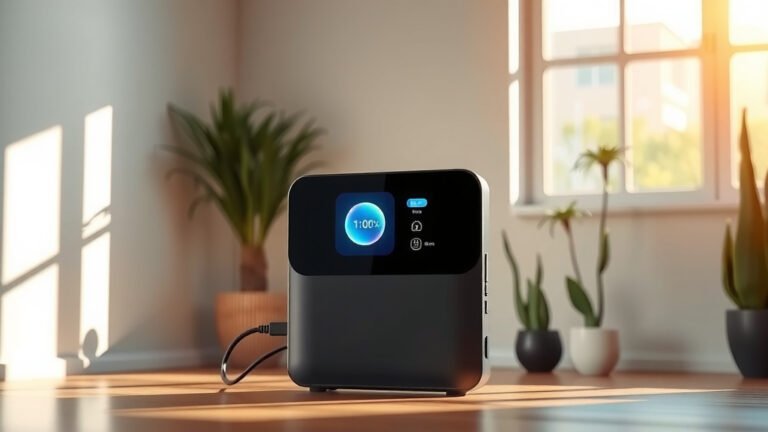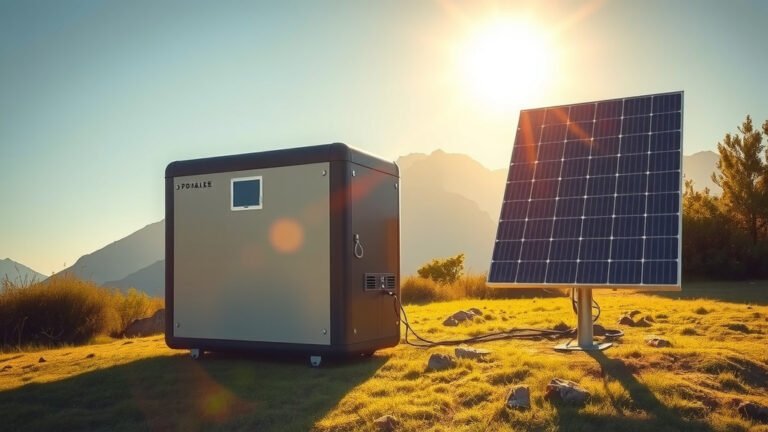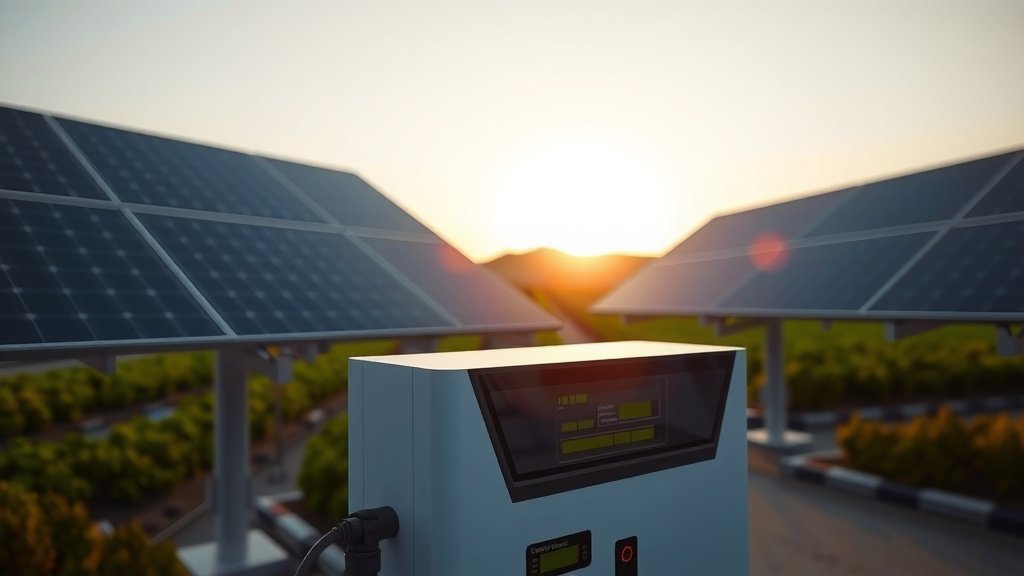
Most Jackery power stations work with SolarSaga solar panels, but you can also use compatible third-party panels that match the voltage and connector requirements.
The key is matching your Jackery power station’s input voltage (typically 12-24V) with solar panels that have MC4 or Anderson connectors.
Quick Answer: Which Solar Panels Work with Jackery
You want the straight answer, right? Here it is.
Jackery makes their own SolarSaga panels that plug right into their power stations. These are your safest bet. But you’re not stuck with just Jackery panels.
Any solar panel that matches your power station’s input specs will work. Most Jackery units accept 12V to 24V input through MC4 or 8mm connectors.
Official Jackery Solar Panel Options
Jackery’s SolarSaga lineup includes several sizes. The SolarSaga 100W works with most Explorer models. The SolarSaga 200W charges faster but costs more.
I found that Jackery designed these panels to fold flat. Great for camping trips where space matters.
Third-Party Solar Panel Compatibility
Want to save money? Third-party panels often work just fine.
You need to check three things: voltage, amperage, and connector type. Get these wrong and your panel won’t work or might damage your power station.
Understanding Jackery Power Station Input Requirements
Each Jackery model has different input specs. Let’s break this down by popular models.
Jackery Explorer 240 Solar Input
The Explorer 240 accepts up to 65W solar input. It uses an 8mm connector (not MC4). Maximum input voltage is 22V.
This smaller unit pairs well with 60W to 100W panels. Going bigger won’t hurt, but you won’t get faster charging.
Jackery Explorer 500 Solar Requirements
The Explorer 500 handles up to 100W solar input through an 8mm connector. Input voltage range is 12V to 30V.
A single 100W panel will max out this unit’s solar charging speed. Two 50W panels also work if you have the right splitter cable.
Jackery Explorer 1000 and 1500 Solar Specs
These bigger units accept much more solar power. The Explorer 1000 takes up to 200W through dual 8mm inputs. The 1500 can handle 400W.
You can chain multiple SolarSaga panels together. Or use one large third-party panel with an adapter.
Pro Series Solar Input Capabilities
Jackery’s Pro series uses different connectors. The Explorer 1000 Pro and 1500 Pro have built-in MPPT controllers. They accept higher wattage panels more efficiently.
Best Third-Party Solar Panels for Jackery
You don’t have to buy Jackery panels. Many other brands work great and cost less.
Renogy Solar Panels
Renogy makes quality panels that many Jackery owners use. Their 100W suitcase panel folds like Jackery’s but costs about 30% less.
I found online reviews praising Renogy’s build quality. The MC4 connectors work with simple adapters.
Goal Zero Boulder Panels
Goal Zero panels also work with Jackery stations. Their Boulder 100 is rigid (doesn’t fold) but very durable.
These panels work great for permanent setups like RVs or cabins. Less ideal for backpacking.
AIMS Power Flexible Panels
Flexible panels bend to curved surfaces. AIMS makes reliable flexible panels that work with Jackery units.
Perfect for RV roofs or boat tops where rigid panels don’t fit well.
Budget-Friendly Options
Amazon and other retailers sell generic solar panels that work fine. Look for panels with good reviews and proper certifications.
Just make sure the voltage and connector match your Jackery model.
Solar Panel Connector Types and Adapters
Connectors matter more than you might think. Get the wrong type and your expensive panel becomes a paperweight.
MC4 Connectors
Most solar panels use MC4 connectors. These lock together securely and handle weather well.
Jackery units typically need 8mm barrel connectors. You’ll need an MC4 to 8mm adapter cable.
Anderson Powerpole Connectors
Some panels use Anderson connectors. These are common in the ham radio world.
You can find Anderson to 8mm adapters online. They cost about $15 to $25.
Making Your Own Adapter Cables
Feeling handy? You can make adapter cables yourself. Buy the connectors and some 12 AWG wire.
Just remember: positive to positive, negative to negative. Double-check with a multimeter before plugging in.
Safety with DIY Connections
Solar panels produce electricity whenever light hits them. Even indoor lighting can generate voltage.
Cover panels or work in dim light when making connections. A small shock won’t hurt you, but it might damage electronics.
Calculating Solar Panel Requirements
How much solar power do you actually need? This depends on what you want to run and for how long.
Power Consumption Math
List your devices and their power draw. A laptop might use 65W. LED lights use 10W each. Add them up.
Multiply total watts by hours of use. That gives you watt-hours needed per day.
Solar Panel Output Reality
A 100W panel doesn’t give 100W all day. You might get 100W for 4-6 hours on a perfect sunny day.
I found research showing panels typically produce 4-5 times their wattage in daily watt-hours. So a 100W panel makes about 400-500 watt-hours per day.
Weather and Season Factors
Cloudy days cut solar output by 70-80%. Winter sun is weaker and days are shorter.
Plan for worst-case scenarios if you depend on solar power. Size your system 2-3 times bigger than you think you need.
| Jackery Model | Max Solar Input | Connector Type | Recommended Panel Size |
|---|---|---|---|
| Explorer 240 | 65W | 8mm | 60-100W |
| Explorer 500 | 100W | 8mm | 100W |
| Explorer 1000 | 200W | Dual 8mm | 200W |
| Explorer 1500 | 400W | Dual 8mm | 400W |
Installation and Setup Tips
Setting up solar panels isn’t rocket science. But a few tricks will help you get better results.
Panel Positioning
Point panels toward the sun. Sounds obvious, but many people just lay them flat.
Tilt panels at an angle roughly equal to your latitude. In most of the US, that’s 30-45 degrees.
Avoiding Shade
Even tiny shadows kill solar panel output. A small tree branch can cut power by 50% or more.
Check for shadows throughout the day. The sun moves, so shade patterns change too.
Cleaning and Maintenance
Dirty panels make less power. Dust, bird droppings, and pollen all reduce output.
Clean panels with water and a soft cloth. Avoid harsh cleaners or abrasive materials.
Cost Comparison: Jackery vs Third-Party Panels
Money talks, right? Let’s look at real costs.
Jackery SolarSaga Pricing
SolarSaga 100W panels cost around $200-300. The 200W version runs $400-500.
You pay extra for the Jackery name and guaranteed compatibility. Some people think it’s worth it.
Third-Party Panel Costs
Generic 100W panels start around $80-120. Add $20-30 for adapter cables.
You can save $100 or more going third-party. But you lose the plug-and-play convenience.
Long-Term Value Considerations
Cheap panels might not last as long. Good panels should work for 20+ years.
Factor in warranties too. Jackery panels have solid warranty coverage. Some cheap panels don’t.
Common Problems and Solutions
Things don’t always work perfectly. Here are issues I hear about and how to fix them.
Panel Not Charging Power Station
First, check all connections. Loose cables are the most common problem.
Test panel output with a multimeter. You should see voltage close to the panel’s rated output in bright sun.
Slow Charging Issues
Partial shade causes slow charging. So do dirty panels or bad connections.
Check that your panel wattage matches your power station’s input capacity. A 300W panel won’t help if your unit only accepts 100W.
Connector Problems
MC4 connectors sometimes don’t lock properly. You should hear a click when they connect.
Corroded connectors cause problems too. Clean them with contact cleaner or replace if badly damaged.
Conclusion
Your Jackery power station works with both official SolarSaga panels and compatible third-party options. The key is matching voltage, wattage, and connector requirements.
SolarSaga panels offer plug-and-play convenience but cost more. Third-party panels save money but require adapter cables and more research.
Start by checking your power station’s input specs. Then choose panels that fit your budget and charging needs. With the right setup, you’ll have reliable solar power wherever you go.
Can I use any solar panel with my Jackery power station?
Not exactly any panel, but most standard solar panels work with proper adapters. You need panels that match your Jackery’s voltage range (usually 12-30V) and use the right connector or adapter cable. Always check your model’s specifications before buying.
Do I need multiple solar panels for faster charging?
Only if your Jackery model supports higher wattage input. The Explorer 1000 and larger models can use multiple panels for faster charging. Smaller units like the Explorer 240 won’t charge faster with extra panels beyond their input limit.
Will third-party solar panels void my Jackery warranty?
Using compatible third-party panels shouldn’t void your warranty if they meet the input specifications. However, damage caused by incompatible panels or improper connections might not be covered. Keep your power station manual and follow the input requirements.
How long does it take to charge a Jackery with solar panels?
Charging time depends on your power station capacity, panel wattage, and sun conditions. A 100W panel typically charges an Explorer 500 in 6-8 hours of good sunlight. Larger units take longer, while smaller ones charge faster.
Can I charge my Jackery while using it with solar panels connected?
Yes, most Jackery models support pass-through charging. You can run devices while solar panels charge the battery. Just remember that power going to your devices reduces what goes into the battery, so charging takes longer.