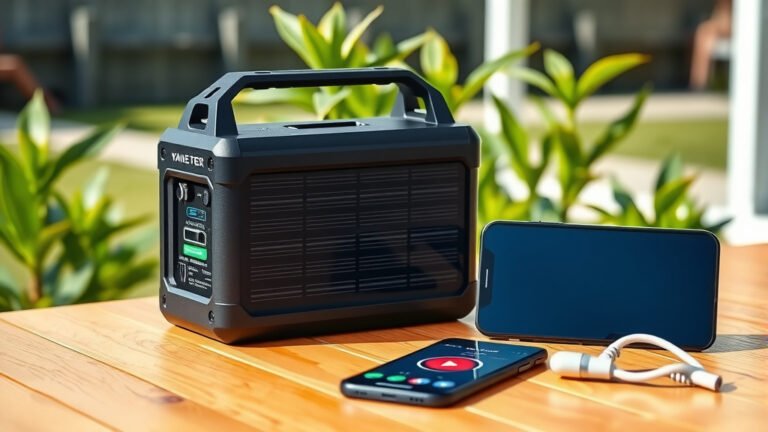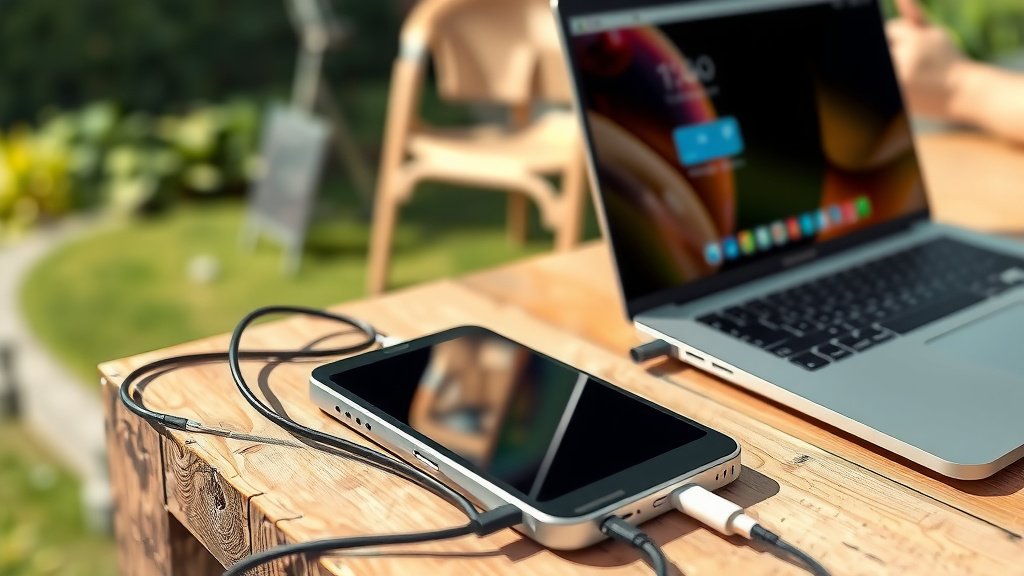
Yes, a portable power station can charge your laptop. Most portable power stations offer AC outlets, USB ports, and DC ports that work with laptops.
You’ll need to check if your portable power station has enough wattage and the right ports for your laptop model. Most laptops need between 45-90 watts to charge properly.
What Makes Portable Power Stations Work With Laptops?
Portable power stations are like big batteries with multiple charging options. They store energy that you can use later to power your devices.
Think of them as a backpack full of electricity. You can take this power anywhere and plug in your laptop just like you would at home.
Different Charging Ports Available
Most portable power stations come with several ways to charge your laptop:
- AC outlets (regular wall plugs)
- USB-C ports with Power Delivery
- DC ports with various adapters
- Car charger ports (12V)
Power Output Requirements
Your laptop needs a certain amount of power to charge. I researched laptop power requirements and found that most need between 45-90 watts.
Gaming laptops often need more power. Some high-end models require 120-180 watts. Check your laptop’s power adapter to see the exact wattage.
How To Check If Your Power Station Can Charge Your Laptop
Find Your Laptop’s Power Needs
Look at your laptop’s power adapter. You’ll see numbers like “65W” or “90W” printed on it. This tells you how much power your laptop needs.
Write this number down. You’ll need it to pick the right portable power station.
Check The Power Station’s Output
Every portable power station lists its maximum output. Look for these specs:
- AC output wattage (for wall plug charging)
- USB-C Power Delivery wattage
- DC output options
AC Output Method
This is the easiest way. Just plug your laptop’s regular charger into the power station’s AC outlet.
Make sure the power station can handle your laptop’s wattage. If your laptop needs 65W, pick a power station with at least 100W AC output.
USB-C Power Delivery Method
Many newer laptops charge through USB-C. This method is often more efficient than AC charging.
Look for power stations with USB-C PD (Power Delivery) that matches your laptop’s needs. Common PD levels are 45W, 65W, and 100W.
How Long Will Your Laptop Run?
Battery Capacity Math
Portable power stations list their capacity in watt-hours (Wh). Your laptop’s battery also has a Wh rating.
Here’s a simple way to estimate runtime: Divide the power station’s capacity by your laptop’s power draw.
Real-World Examples
Let’s say you have a 500Wh power station and a laptop that uses 50W. You’d get about 10 hours of runtime (500 ÷ 50 = 10).
But this is perfect-world math. In reality, you’ll get about 80-85% of this time due to energy loss during conversion.
Factors That Affect Runtime
- What you’re doing on your laptop (video editing uses more power than typing)
- Screen brightness settings
- Wi-Fi and Bluetooth usage
- Age of your laptop battery
Best Charging Methods For Different Laptop Types
Standard Office Laptops
Most office laptops work great with portable power stations. They typically need 45-65W, which most power stations can handle easily.
USB-C charging works well for these laptops if they support it. It’s more efficient and saves battery life in your power station.
Gaming Laptops
Gaming laptops are power hungry. They often need 120W or more to charge while running games.
You’ll need a larger portable power station with high AC output. Look for units with at least 200W AC capability.
Gaming Laptop Tips
- Lower your screen brightness when on battery power
- Close unnecessary programs
- Use power saving mode
- Consider charging while the laptop is off for faster charging
MacBooks and Ultrabooks
These laptops are usually very efficient. Most MacBooks charge well with USB-C PD from 45-96W.
MacBook Air models need about 30-45W. MacBook Pro models typically need 65-96W depending on screen size.
Choosing The Right Portable Power Station Size
Small Units (Under 300Wh)
These work for phones, tablets, and small laptops. You’ll get 2-4 laptop charges depending on your laptop size.
Good for day trips or short camping adventures. Not ideal for extended off-grid work.
Medium Units (300-800Wh)
This is the sweet spot for most laptop users. You can charge your laptop 5-10 times or run it for 1-2 days.
Perfect for weekend camping, power outages, or working remotely for a few days.
Large Units (Over 800Wh)
These are like having a wall outlet anywhere. You can run laptops for days or even weeks.
Great for RV living, off-grid cabins, or professional video work in remote locations.
Common Problems and Solutions
Power Station Won’t Charge Your Laptop
Check these things first:
- Is the power station charged?
- Are you using the right cable?
- Does the power station have enough wattage?
- Is the AC inverter turned on?
Cable Compatibility Issues
Not all USB-C cables support power delivery. Make sure you’re using a cable rated for your laptop’s power needs.
Some laptops are picky about which cables they accept. Try your original laptop cable first.
Slow Charging Problems
If your laptop charges slowly, the power station might not provide enough watts. Your laptop will charge but take much longer.
Try charging with your laptop turned off. This often speeds up the process.
Heat Management
Power stations can get warm during heavy use. Make sure yours has good ventilation to prevent overheating.
Don’t cover the vents or use the power station in direct sunlight for extended periods.
Safety Tips For Charging Laptops
Voltage Protection
Good portable power stations have built-in protection against voltage spikes. This keeps your laptop safe from power surges.
Cheap units might not have this protection. Stick with reputable brands that list safety certifications.
Temperature Considerations
Don’t charge in extreme temperatures. Very hot or cold conditions can damage both your laptop and power station.
I found that most power stations work best between 32-104°F (0-40°C).
Conclusion
A portable power station can definitely charge your laptop when you match the right specs. Check your laptop’s power needs and pick a power station with enough output and capacity.
USB-C PD charging is often the most efficient method for newer laptops. AC charging works with any laptop but uses slightly more power from your station.
With the right setup, you can work anywhere without worrying about finding wall outlets. Just remember to plan your power needs based on how long you’ll be away from grid power.
Can I charge my laptop with a portable power station while using it?
Yes, you can use your laptop while it charges from a portable power station. Just make sure the power station provides enough wattage to both charge the battery and run your laptop simultaneously. Gaming or video editing will require more power than basic tasks like typing or web browsing.
Will using a portable power station damage my laptop battery?
No, a quality portable power station won’t damage your laptop battery. Good power stations provide clean, stable power similar to wall outlets. They include protection circuits that prevent voltage spikes and other electrical issues that could harm your laptop.
How many times can I charge my laptop with a 500Wh portable power station?
This depends on your laptop’s battery size. Most laptop batteries range from 40-100Wh. With a 500Wh power station, you could charge a typical 50Wh laptop battery about 8-10 times, accounting for energy conversion losses.
Can I charge multiple laptops at the same time with one portable power station?
Yes, if your portable power station has multiple outlets and enough total wattage. Add up the power requirements of all laptops and make sure your power station can handle the combined load. Most stations can power 2-3 standard laptops simultaneously.
Do I need special cables to charge my laptop from a portable power station?
Usually not. You can use your laptop’s original AC adapter plugged into the power station’s AC outlet. For USB-C charging, make sure you have a USB-C cable rated for power delivery that matches your laptop’s requirements. Some power stations include various charging cables.