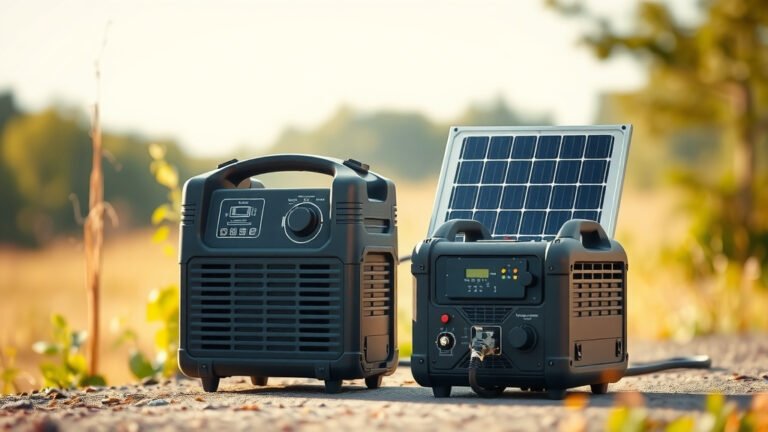
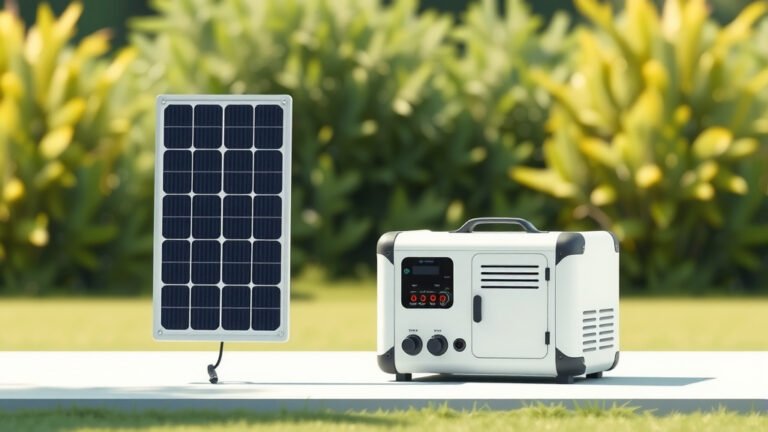
A portable power station provides DC and AC power through an internal battery, while a UPS (Uninterruptible Power Supply) offers instant backup power when your main electricity fails.
The key difference between portable power station and UPS lies in portability, battery capacity, and primary purpose – power stations are mobile energy sources, while UPS systems protect devices from power outages.
What Are Portable Power Stations?
Think of a portable power station as a big battery pack with outlets. You can take it camping, use it during power outages, or charge devices anywhere.
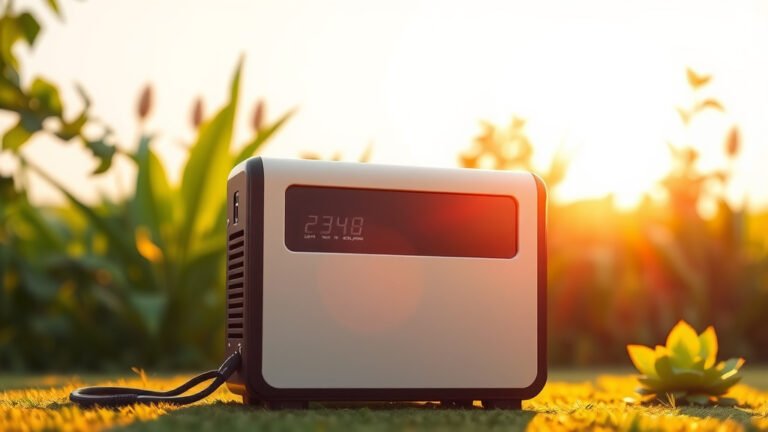
These devices store energy in lithium-ion batteries. They have multiple outlets – USB ports, AC plugs, and DC outputs. You charge them at home, then take the stored power with you.
Key Features of Portable Power Stations
Most power stations offer these features:
- Multiple charging ports (USB, AC, DC)
- Large battery capacity (100Wh to 3000Wh+)
- Portable design with handles
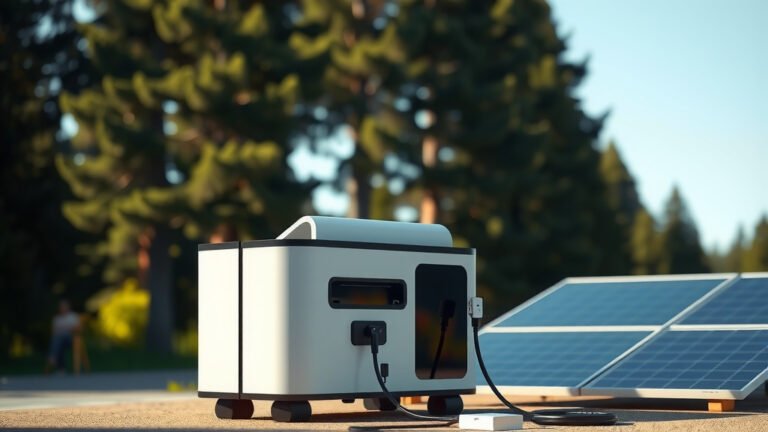
- Solar panel compatibility
- LED displays showing battery level
Battery Capacity Range
Power stations come in different sizes. Small units hold 100-500Wh. Medium ones store 500-1500Wh. Large models can hold 3000Wh or more.
A 500Wh unit can charge your phone about 40 times. A 1500Wh model can run a small fridge for 8-12 hours.
What Is a UPS System?
A UPS is your computer’s safety net. When the power goes out, it kicks in instantly – we’re talking milliseconds. No shutdown. No lost work.
UPS units stay plugged into the wall. They charge their internal battery while providing clean power to your devices. When electricity fails, the battery takes over automatically.
Types of UPS Systems
You’ll find three main types:
- Standby UPS – Basic protection, switches to battery when power fails
- Line-interactive UPS – Regulates voltage and provides battery backup
- Online UPS – Constant battery power, zero switching time
UPS Runtime Expectations
Most home UPS units run for 5-15 minutes. That’s enough time to save your work and shut down safely. Office-grade models might last 30-60 minutes.
The runtime depends on how much power your connected devices need. A computer uses more power than a router or modem.
Key Differences in Design and Purpose
These devices solve different problems. Your choice depends on what you need them for.
Portability Comparison
Power stations are built to move. They have handles, wheels, or compact designs. You can take them on road trips or outdoor adventures.
UPS systems stay put. They’re designed to sit under your desk or in a server room. Moving them around isn’t the point.
Size and Weight Factors
A typical 500Wh power station weighs 12-15 pounds. You can carry it like a toolbox. Large 2000Wh+ models might weigh 40-60 pounds but have wheels.
Home UPS units weigh 10-30 pounds. They’re not meant for travel – they’re meant for staying connected to your equipment.
Power Output Differences
Power stations often provide more total power. They can run appliances, tools, or multiple devices for hours or days.
UPS systems focus on clean, reliable power for sensitive electronics. They provide enough juice to bridge power outages, not replace your electrical system.
Battery Technology and Capacity
Both use rechargeable batteries, but in different ways.
Power Station Battery Systems
Modern power stations use lithium iron phosphate (LiFePO4) batteries. These last 3000+ charge cycles and handle temperature changes well.
You’ll find capacities from 150Wh (charges a phone 10 times) to 5000Wh+ (powers a small home for hours). The battery is the main component.
Charging Methods Available
Power stations charge multiple ways:
- Wall outlet (AC charging) – 4-8 hours for full charge
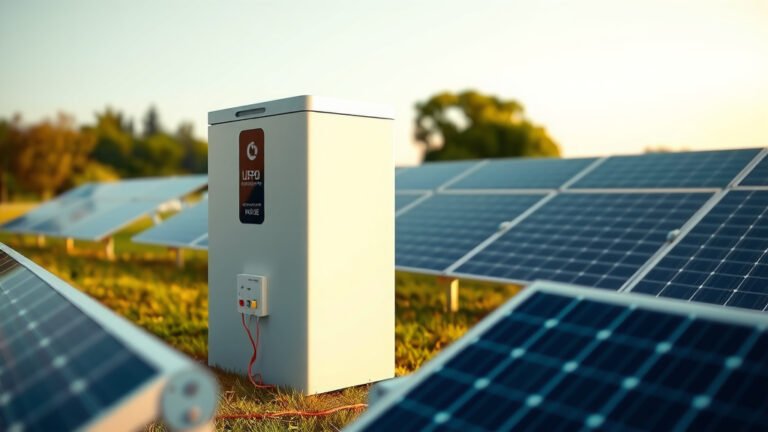
- Solar panels – 6-12 hours depending on sunlight
- Car 12V outlet – 8-12 hours while driving
- Some support fast charging in 1-2 hours
UPS Battery Technology
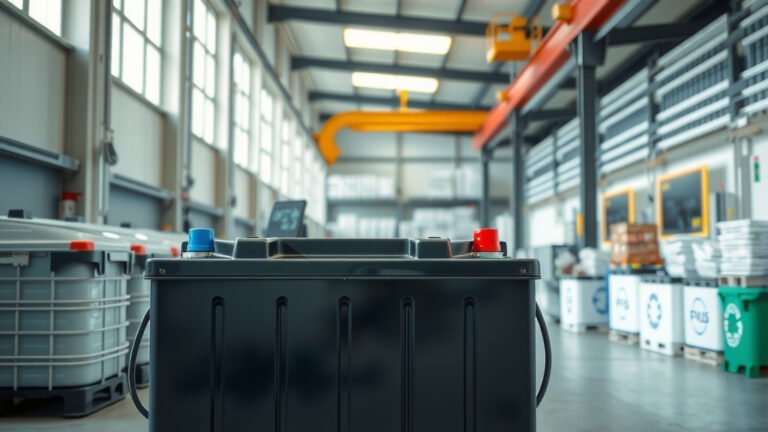
Most UPS units use sealed lead-acid batteries. They’re cheaper but heavier than lithium. Battery life is typically 3-5 years before replacement.
The battery stays connected to your devices. It’s always ready but not designed for deep discharge cycles like power stations.
Use Cases and Applications
When should you choose each option? Let me break down the scenarios.
Best Uses for Portable Power Stations
Power stations shine when you need electricity away from outlets:
- Camping and RV trips
- Outdoor events and tailgating
- Emergency home backup lasting days
- Construction sites without power
- Off-grid cabins and tiny homes
Outdoor and Recreation Applications
I found that outdoor enthusiasts love power stations for their flexibility. You can charge cameras, run lights, or power small appliances anywhere.
They’re also quiet. Unlike gas generators, power stations don’t wake up the campground at night.
Ideal UPS Applications
UPS systems work best for stationary equipment protection:
- Home computers and workstations
- Network equipment (routers, modems)
- Security systems and cameras
- Medical devices that can’t lose power
- Small business servers
Office and Home Protection
Your computer doesn’t care if the power comes back in an hour. It cares about not crashing right now. That’s where UPS units excel.
They also clean up “dirty” power – voltage spikes, surges, and electrical noise that can damage sensitive electronics.
Cost and Value Comparison
Price ranges vary widely based on capacity and features.
Power Station Pricing
Small power stations (200-500Wh) cost $200-$600. Medium units (500-1500Wh) run $600-$1500. Large systems (2000Wh+) can cost $2000-$5000+.
You pay for portability and battery capacity. The more energy storage, the higher the price.
UPS System Costs
Basic home UPS units cost $50-$200. Office-grade models run $200-$1000. Enterprise systems can cost thousands.
UPS systems cost less per watt-hour because they don’t need portable designs or multiple output types.
Performance in Different Scenarios
Let’s compare how each performs in real situations.
| Scenario | Power Station | UPS System |
|---|---|---|
| Power outage (home) | Manual setup, hours/days runtime | Instant protection, minutes runtime |
| Camping trip | Perfect – portable power anywhere | Useless – needs wall power |
| Computer protection | Good backup, manual switching | Excellent – seamless protection |
| Running appliances | Great for most devices | Limited to small electronics |
Emergency Preparedness
For emergency prep, power stations offer more flexibility. You can move them around your home, charge them with solar panels, and run essential devices for days.
UPS systems keep your communications up (internet, phones charging) but won’t run a refrigerator or medical equipment for long.
Maintenance and Lifespan
Both devices need some care to last their full lifespan.
Power Station Maintenance
Power stations are pretty low-maintenance. Charge them every 3-6 months if not used. Keep them clean and avoid extreme temperatures.
Lithium batteries typically last 10+ years with normal use. The electronics might need service after 5-8 years.
UPS Maintenance Needs
UPS batteries need replacement every 3-5 years. You’ll get warning beeps when battery capacity drops.
Most units have replaceable batteries. Swapping them costs $30-$100 depending on the UPS size.
Making the Right Choice
Your decision comes down to your specific needs.
Choose a Power Station If You Need
Go with a power station when you want:
- Portable power for outdoor activities
- Long-term backup power at home
- Ability to charge with solar panels
- Power for appliances and tools
- Emergency preparedness flexibility
Choose a UPS If You Need
Pick a UPS when your priority is:
- Protecting computers from power loss
- Instant switching during outages
- Clean power for sensitive electronics
- Lower cost for basic backup needs
- Stationary protection that’s always ready
Conclusion
The difference between portable power stations and UPS systems comes down to mobility versus protection. Power stations give you freedom – take electricity anywhere and run devices for hours or days. UPS systems provide security – instant backup that keeps your equipment safe from power problems.
You might even need both. A UPS protects your computer and network gear from daily power hiccups. A power station handles your camping trips and major outage scenarios. Each excels in its intended role, and neither is a perfect substitute for the other.
Can I use a portable power station as a UPS?
You can connect devices to a power station during outages, but it won’t switch automatically like a true UPS. You’ll have manual switching and potential downtime while reconnecting your equipment.
How long will a UPS run my computer?
Most home UPS units provide 5-15 minutes of runtime for a desktop computer and monitor. This gives you enough time to save work and shut down properly, but not to keep working through extended outages.
Can I charge a power station while using it?
Yes, most modern power stations support pass-through charging. You can charge the internal battery while simultaneously powering connected devices, though this may slow down the charging process.
Do I need special outlets for a UPS?
No, UPS systems plug into standard wall outlets. They have battery backup outlets on the back where you connect your protected devices. Some also have surge-only outlets for less critical equipment.
Which is better for medical equipment?
For stationary medical devices that need uninterrupted power, a medical-grade UPS is usually better due to instant switching. For portable medical equipment or longer backup needs, a power station might work better, but always consult your device manufacturer first.