
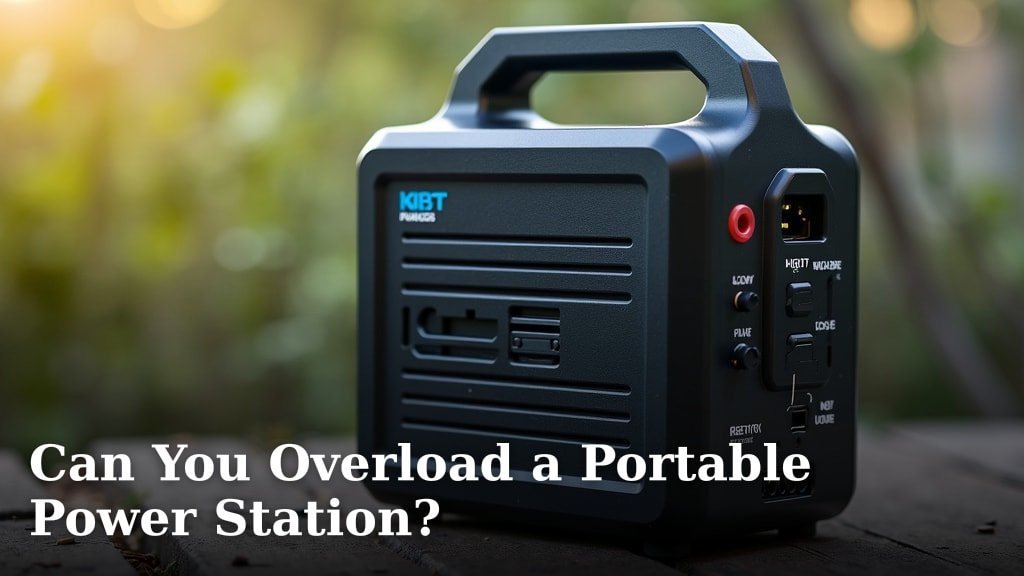
Yes, you absolutely can overload a portable power station, and doing so can lead to damage or a shutdown. It’s important to know your power station’s limits to keep it running smoothly and avoid costly repairs.
Understanding the wattage your devices draw is key. Exceeding the power station’s maximum output capacity means you’re asking it to do more than it’s designed for. This can trigger safety mechanisms or, in worst-case scenarios, cause permanent harm to the unit.
- Overloading is possible and can damage your power station.
- Always check the total wattage of devices you plug in.
- Your power station has a maximum output limit.
- Exceeding this limit can cause shutdowns or damage.
Let’s walk through exactly how to avoid overloading your portable power station and what to do if it happens.
Understanding Your Power Station’s Limits
So, can you overload a portable power station? The short answer is a resounding yes. Think of it like trying to tow a huge trailer with a compact car. It’s not designed for that kind of strain, and neither is your power station.
Your power station has a maximum output capacity, usually measured in watts (W). It also has a surge capacity, which is a higher wattage it can handle for a very short burst. If you plug in devices that demand more power than it can provide, you’re asking for trouble.
Why Overloading is a Problem
When you overload your power station, you’re pushing its components beyond their designed limits. This can lead to a few undesirable outcomes, ranging from a temporary shutdown to permanent damage.
Safety Features and Shutdowns
Most modern portable power stations come equipped with built-in safety features. These are designed to protect both the unit and your connected devices. When you exceed the wattage limit, the power station’s internal circuitry detects this overload.
Often, the first thing that happens is the unit will shut itself down. This is its way of saying, “Whoa there! I can’t handle this!” It’s a protective measure to prevent damage. You’ll usually see an error code or a light indicating an overload.
Potential for Damage
While a shutdown is a good sign the safety features are working, repeated or severe overloads can cause more serious harm. Pushing the system too hard can overheat components like the inverter, battery management system, or even the battery cells themselves.
Overheating can degrade these parts over time, leading to a reduced lifespan for your power station. In the worst-case scenarios, a significant overload could cause irreversible damage, rendering the unit unusable. This is why understanding wattage is so important.
How to Calculate Your Power Needs
The key to avoiding overloads is knowing the power requirements of your devices and comparing them to your power station’s specifications. It sounds complicated, but it’s quite straightforward.
Finding Device Wattage
Almost every electronic device has a label or sticker indicating its power consumption. You’ll usually find this information on the power adapter (the “brick” part) or on the device itself. Look for numbers followed by “W” (for watts) or “A” (for amps) and “V” (for volts).
If you only see amps and volts, you can easily calculate watts using a simple formula: Watts = Volts x Amps. For example, if a device uses 120V and 2A, it draws 240W (120 x 2 = 240).
Understanding Your Power Station’s Specs
Your portable power station will have a specifications sheet or listed capabilities on its product page or manual. You need to look for two key numbers:
- Continuous Output Wattage: This is the maximum power the unit can supply continuously.
- Surge Output Wattage: This is the peak power it can handle for a few seconds. Many appliances, like refrigerators or power tools, need a surge of power to start up.
For example, a power station might have a 1000W continuous output and a 2000W surge output. This means it can handle devices that draw up to 1000W constantly, and it can briefly power something that needs up to 2000W to start.
Adding Up Your Devices
To avoid overloading, you need to sum the wattage of all the devices you plan to run simultaneously. Let’s say you want to power a laptop (50W), a fan (75W), and a small TV (100W).
The total continuous draw in this scenario is 225W (50W + 75W + 100W). If your power station’s continuous output is 500W or more, you’re well within its limits. But what if you add a mini-fridge that draws 150W?
Your new total would be 375W (225W + 150W). Still good for a 500W continuous unit. But if you tried to run all that plus a blender that draws 800W for just a minute, you’d exceed the 1000W continuous limit and likely hit the 2000W surge limit, potentially causing a shutdown.
The Impact of Surge Wattage
Many people focus only on the continuous wattage and forget about the surge capacity. This is a common pitfall.
Why Surge Matters
Appliances with motors or heating elements, like refrigerators, air conditioners, power tools, and even some medical devices, require a significant burst of power to start. This initial demand is called surge wattage. It can be 2-3 times higher than their running wattage.
If your power station’s surge capacity isn’t high enough, it won’t be able to start these devices. Even if the running wattage is well within limits, the initial spike can trigger an overload shutdown. Always check both the continuous and surge ratings.
What to Do If You Overload Your Power Station
Accidents happen! If your power station shuts down due to an overload, don’t panic. There are usually simple steps to get it running again.
Immediate Steps to Take
The first thing you should do is unplug all connected devices. This removes the excessive load. Then, check your power station’s display or indicator lights for any error codes related to overload.
Turn the power station off and then on again. This often resets the system and clears the overload fault. Once reset, try plugging in devices one by one, starting with the lowest wattage items. This helps you identify which device or combination is causing the overload.
Preventing Future Overloads
After you’ve identified the problematic device or combination, you can take steps to prevent it from happening again. Here’s a quick checklist:
- Know your power station’s limits (continuous and surge watts).
- Check the wattage of every device you plan to use.
- Add up the total watts for devices running at the same time.
- Identify devices with high surge requirements and ensure your station can handle them.
- Don’t plug in more devices than your station’s continuous output allows.
- Consider a larger power station if your needs consistently exceed your current unit’s capacity.
Understanding Different Power Station Outputs
Portable power stations often have multiple outlets, and it’s important to understand how their capacities are distributed.
AC vs. DC Outputs
Most power stations have both AC (standard wall outlets) and DC (like USB or 12V car ports) outputs. The total wattage of the unit applies to the combined draw across all outputs, or sometimes specifically to the AC outputs.
Be aware that the DC ports usually have much lower wattage limits. For example, a USB-C port might provide 60W, while the total AC output is 1000W. You can’t just add up every single port’s maximum; the overall limit is the key.
Shared vs. Individual Limits
Some power stations have a total wattage limit that applies to all outputs combined. Others might specify individual limits for AC and DC ports. Always refer to your manual to know if there’s a shared pool of power or separate limits.
We found that many users mistakenly assume each port can draw its maximum simultaneously. This isn’t always true. If your AC output is rated for 1000W and your DC outputs are rated for 100W combined, your absolute maximum draw is 1100W, but it might be limited to 1000W if the AC is maxed out.
| Feature | Unit A (500W Continuous) | Unit B (1000W Continuous) |
|---|---|---|
| AC Continuous Output | 500W | 1000W |
| AC Surge Output | 1000W | 2000W |
| DC (USB-A/C) Output | Max 50W combined | Max 100W combined |
| 12V Car Port | Max 120W | Max 120W |
| Total Simultaneous Draw | ~500W (AC priority) | ~1000W (AC priority) |
As you can see in the table, even if Unit A’s 12V port can output 120W, you can’t run it at full power if your AC devices are already drawing close to 500W. The total power is the main constraint.
When to Consider a Bigger Unit
If you find yourself constantly hitting the wattage limits of your current power station, or if it frequently shuts down due to overloads, it might be time to upgrade your gear.
Portable power stations come in a wide range of capacities. If you’re powering a small appliance like a CPAP machine, a 300W unit might suffice. But if you’re looking to run a mini-fridge, a laptop, and several lights, a 1000W or 1500W unit would be a safer bet.
Think about your most power-hungry devices and the total wattage you need when they’re all running. It’s always better to have a little extra capacity than to be constantly worried about overloading your unit.
Conclusion
You’ve learned that your portable power station can indeed be overloaded, and understanding this is key to its longevity and your peace of mind. By checking your devices’ wattage and your power station’s continuous and surge limits, you can easily prevent shutdowns. Remember, it’s about matching your devices’ needs to your power station’s capabilities. If you consistently find yourself pushing the limits, it’s wise to consider an upgrade. Take a moment today to review the power needs of your most-used devices and compare them against your power station’s specs. This simple step ensures you get the most reliable performance from your gear.
Frequently Asked Questions
What happens if I plug in a device that draws more power than my power station can provide?
If you overload your power station, its safety mechanisms will likely kick in and cause it to shut down automatically. This is a protective measure to prevent damage to the unit and your connected devices. You’ll usually see an error indicator or code.
How do I know if a device will overload my power station?
You need to check the wattage label on your device and compare it to your power station’s maximum continuous and surge output ratings. Sum the wattage of all devices you plan to run simultaneously. If the total exceeds the power station’s limits, it could cause an overload.
Is surge wattage as important as continuous wattage?
Yes, surge wattage is very important, especially for devices with motors or heating elements like refrigerators or power tools. These devices need a much higher burst of power to start up. If your power station’s surge capacity is too low, it won’t be able to start these appliances.
Can I mix and match devices on different ports (AC, DC, USB) without worrying?
You need to be aware of the total combined output of your power station. While each port has its own limit, the overall wattage drawn from all ports combined cannot exceed the unit’s maximum capacity. Some units have separate AC and DC limits, but others share a total limit.
If my power station shuts down from an overload, can it be permanently damaged?
A single overload event that causes a shutdown is usually safe if the unit has good protection. However, repeated or severe overloads can generate excessive heat and stress components, potentially leading to reduced lifespan or permanent damage over time.
