
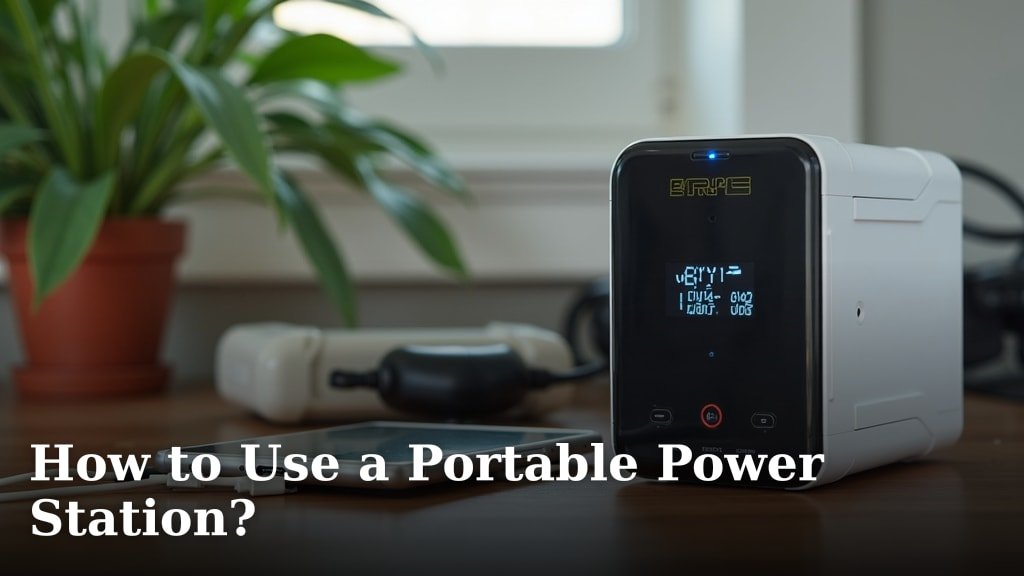
The easiest way to use a portable power station is to charge it fully, then simply plug in your devices like you would a wall outlet. These handy devices let you power electronics and appliances away from home or during outages, providing convenient access to electricity wherever you need it.
You can use a portable power station to run everything from your smartphone to a mini-fridge, making them incredibly versatile. We found that they’re perfect for camping trips, emergency preparedness, or even just working remotely in your backyard. Think of it as a giant, rechargeable battery pack for almost anything.
- Charge your power station completely before use.
- Connect your gadgets to the available AC, DC, or USB ports.
- Monitor the power station’s battery level as you go.
- Recharge it with solar panels, a car charger, or a wall outlet.
- Store it properly for long-term battery health.
Ready to get started? Let’s walk through exactly how to use a portable power station step by step, so you can power up anything, anywhere.
Getting Started with Your Portable Power Station
You’re ready to use your portable power station, but where do you begin? The first step is always to fully charge it. Think of it like charging your smartphone before a long day out. You want maximum power available when you need it most.
Most power stations arrive with some charge, but a complete charge ensures peak performance and readiness. We found that new units often perform best after their initial full charge.
First Charge Best Practices
Charging your power station for the first time is straightforward. Simply plug it into a standard wall outlet using the provided AC adapter. Many units will have an indicator light or a screen showing the charge progress.
It’s generally a good idea to let it charge until the display shows 100% capacity. This can take several hours, depending on the model and its battery size. Don’t rush this first charge.
Understanding Battery Types
Most modern portable power stations use either Lithium-ion (Li-ion) or Lithium Iron Phosphate (LiFePO4) batteries. Each type has its own characteristics.
- Li-ion batteries are common, lighter, and offer a good power-to-weight ratio.
- LiFePO4 batteries are known for their longer lifespan, safety, and stability, even at higher temperatures (National Renewable Energy Laboratory).
Knowing your battery type helps you understand its care requirements. We found that most manufacturers include this information clearly in their product specifications.
Connecting Your Devices to the Power Station
Once your power station is charged, it’s time to connect your devices. This is where the magic happens! Portable power stations are designed to be intuitive, just like plugging into a wall outlet at home.
You’ll find a variety of output ports suited for different electronics. No need for complex wiring; simply plug and play.
Available Output Ports
Most power stations offer a combination of AC, DC, and USB ports. These cover nearly all your charging needs.
Here’s a quick overview of what you’ll typically see:
- AC Outlets: These look like standard wall outlets. Use them for larger electronics like laptops, mini-fridges, or small appliances that require household current.
- USB-A Ports: Ideal for charging smartphones, tablets, and other small USB-powered gadgets.
- USB-C Ports (often Power Delivery): Faster charging for compatible smartphones, tablets, and even some laptops. They offer more power than older USB-A ports.
- DC 12V Car Port: This port, often called a cigarette lighter port, is perfect for car vacuums, portable air compressors, or powering other 12V devices.
Always double-check your device’s power requirements before plugging it in. You want to make sure the power station can handle the load.
Powering Up: A Simple Checklist
Using your power station effectively means following a few easy steps. It’s like following a recipe; small steps lead to big success.
Here’s a simple checklist:
- Turn on the master power switch for the power station.
- Press the button for the specific output type (AC, DC, or USB) you need.
- Plug your device’s charging cable into the correct port.
- Ensure your device starts charging or powering on.
- Monitor the power station’s display for usage and remaining battery.
- Turn off unused output ports to conserve power.
Monitoring and Managing Power Usage
Keeping an eye on your power station’s display is key. It’s your dashboard, showing you all the vital information about your power consumption.
This helps you avoid running out of juice unexpectedly. We found that most people quickly get accustomed to checking their power station’s metrics.
Understanding the Display Screen
Your power station’s screen gives you real-time data. Look for these important indicators:
- Battery Percentage: This shows how much charge is left. Similar to your phone battery.
- Input Power (Watts): If you’re charging the power station, this shows how much power it’s receiving.
- Output Power (Watts): This indicates how much power your connected devices are drawing.
- Remaining Run Time: Some advanced models estimate how long the power station can continue at the current output, which is super helpful.
By understanding these numbers, you can make informed decisions about what to power and for how long. It’s like knowing your car’s fuel gauge and miles-per-gallon.
Calculating Your Device’s Power Needs
Before plugging in a device, it’s smart to know its wattage. This helps prevent overloading your power station and ensures you have enough capacity.
Look for a label on your device or its power adapter. It will usually specify “Watts (W)” or “Amps (A) and Volts (V)” (Watts = Amps x Volts).
For example, a laptop charger might draw 60W, while a mini-fridge could draw 40W to 60W when running. Knowing these numbers helps you choose the right power station for your needs.
| Device | Approximate Wattage | Recommended Port |
|---|---|---|
| Smartphone | 5-18W | USB-A or USB-C (PD) |
| Laptop | 30-100W | AC or USB-C (PD) |
| Mini Fridge | 40-60W | AC or 12V DC |
| LED Light | 5-15W | USB, AC, or 12V DC |
| CPAP Machine | 30-60W | AC or 12V DC |
This table gives you a general idea. Always check your specific device. Many experts recommend adding a buffer to your calculations to account for peak power draws.
Recharging Your Portable Power Station
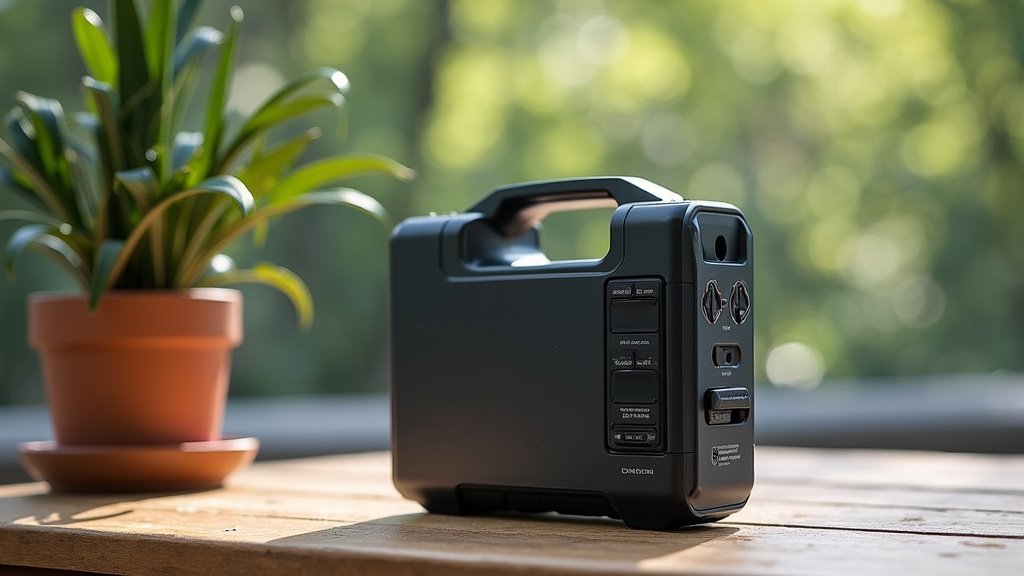
Eventually, your power station will need a recharge. Luckily, you have several options, making them incredibly versatile, no matter your location.
Being able to recharge in different ways is what makes these units so convenient for everything from camping to emergency preparedness.
Multiple Charging Methods
The beauty of portable power stations is their flexibility in recharging. You’re not just limited to a wall outlet.
- Wall Outlet (AC Charging): The fastest and most common method. Plug it into any standard household outlet using the included adapter. This is your go-to for a quick, full charge at home.
- Solar Panels (Solar Charging): Connect compatible solar panels to harness the sun’s energy. This is fantastic for off-grid adventures or during prolonged power outages. Solar charging times vary greatly depending on panel wattage and sun intensity.
- Car Charger (DC Charging): Use your car’s 12V cigarette lighter outlet to charge the power station while driving. It’s a slower charge but great for keeping topped up on road trips.
We found that having multiple charging options provides significant peace of mind. You’re rarely without a way to power up.
Optimizing Charging Efficiency
To get the most out of your charging experience, consider a few tips. Think of it as knowing the best way to fill up your car’s gas tank.
- Use the Recommended Charger: Always use the charger supplied by the manufacturer or one specifically approved for your model.
- Position Solar Panels Correctly: If using solar, angle your panels directly towards the sun for maximum efficiency. Keep them free of shade and dirt.
- Avoid Extreme Temperatures: As the DOE explains, charging in very hot or very cold conditions can reduce battery life and efficiency. Try to charge in moderate temperatures.
These small actions help prolong the life of your power station and ensure it charges as quickly and safely as possible.
Storing Your Portable Power Station Properly
Proper storage is crucial for maintaining the health and longevity of your portable power station. You want it ready for action whenever you need it, right?
Ignoring storage best practices can shorten its overall lifespan. We found that a little care goes a long way.
Ideal Storage Conditions
Just like any sophisticated electronic device, portable power stations thrive in specific environments. Think of protecting a valuable tool.
- Moderate Temperatures: Store your unit in a cool, dry place, away from direct sunlight and extreme heat or cold. Temperatures between 32°F and 86°F (0°C and 30°C) are generally recommended.
- Partial Charge: For long-term storage (more than a month), it’s best to store the power station with its battery at around a 50-80% charge level. Fully charging or fully depleting the battery for extended periods can stress the cells.
- Away from Moisture: Keep it safe from rain, humidity, and spills. Water and electronics don’t mix!
Following these guidelines helps preserve battery capacity over time, ensuring your power station performs optimally for years.
Periodic Maintenance for Longevity
Even when stored, your power station benefits from occasional attention. It’s like checking the oil in a parked car.
It’s a good idea to recharge the unit every 3-6 months to bring it back to that ideal 50-80% storage charge. This prevents the battery from completely draining, which can damage it (U.S. Department of Energy). Don’t let it sit forgotten in a corner for too long.
Also, keep the unit clean. Wipe it down with a dry cloth to remove dust and debris from ports and vents. This helps ensure good airflow and connections when you next really need it.
Conclusion
You now have all the knowledge to confidently use your portable power station. By understanding how to charge it, connect devices, monitor usage, and store it correctly, you’re set for success. These powerful units offer incredible freedom and peace of mind, whether you’re exploring the outdoors or preparing for unexpected outages.
Take these steps and make your portable power station an indispensable tool for your next adventure or emergency. We think you’ll find it quickly becomes one of your most reliable gadgets!
Frequently Asked Questions
Can I leave my portable power station plugged in all the time?
While many modern power stations have advanced battery management systems, it’s generally best not to leave them continuously plugged in once fully charged for long periods. This can sometimes put unnecessary stress on the battery over time. We recommend unplugging it once it reaches 100%.
How long does a portable power station typically last on a single charge?
This depends entirely on the power station’s capacity (measured in Watt-hours or Wh) and the wattage of the devices you’re powering. A small power station running a phone might last days, while a larger one powering a mini-fridge could last several hours. Check your unit’s specifications and device wattages for an accurate estimate.
Is it safe to use a portable power station indoors?
Yes, absolutely! Modern portable power stations (battery-powered units) are very safe to use indoors because they do not emit fumes like gasoline generators. You can safely power your devices inside your home, apartment, or RV without ventilation concerns.
Can a portable power station power a house?
A portable power station can power specific appliances or circuits in your house, but it won’t power an entire home like a whole-house generator. For critical items during an outage, you can typically run lights, charge devices, or power a refrigerator. We found that pairing it with a transfer switch can offer more integrated home backup.
What’s the difference between a portable power station and a power bank?
The main difference is capacity and output. Power banks are small, handheld, and designed mainly for charging phones and tablets via USB. Portable power stations are much larger, offer significantly greater capacity, and include AC outlets and various other ports to power bigger appliances and electronics.
