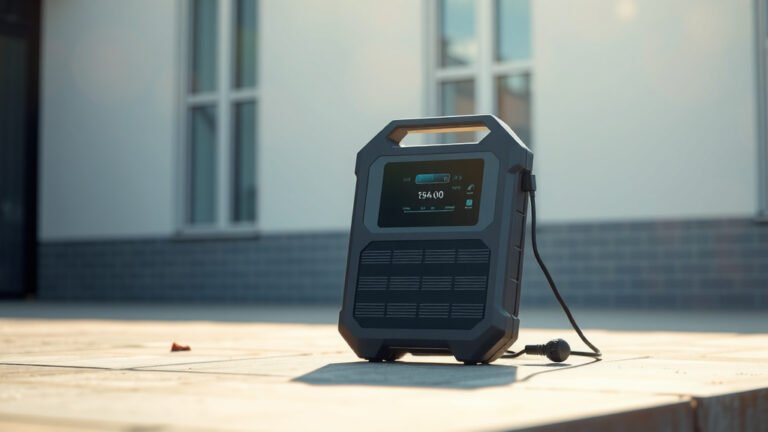
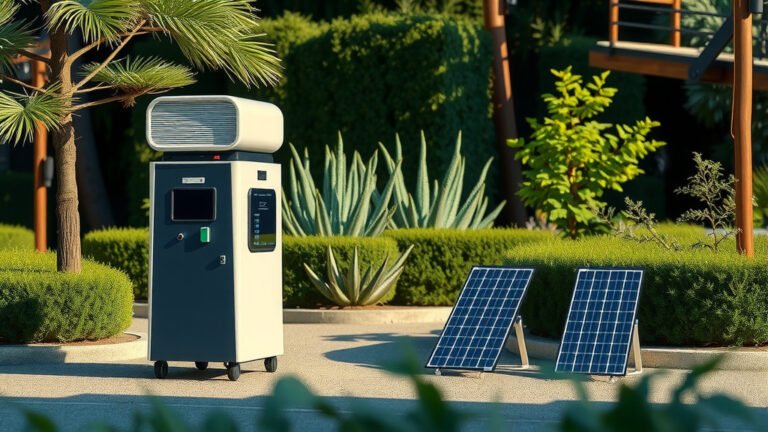
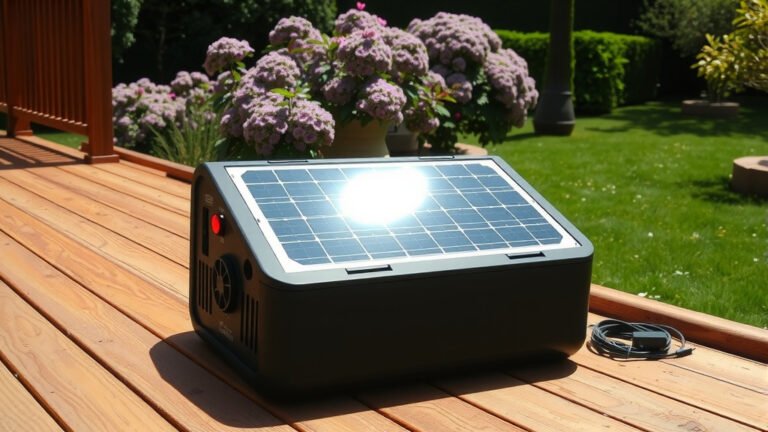
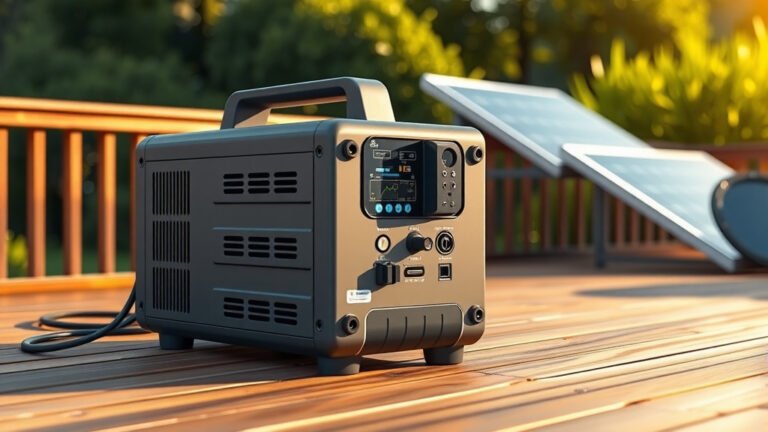
Yes, a portable power station can charge drones, and it’s one of the most practical uses for these devices in outdoor photography and recreational flying.
Most portable power stations work with drone chargers through standard AC outlets, USB ports, or DC outputs, making them perfect for extended flying sessions away from wall power.
Why Portable Power Stations Are Perfect for Drone Charging
You know that sinking feeling when your drone battery dies just as you’re about to capture the perfect shot? I’ve heard from many drone pilots who’ve been there. A portable power station solves this problem completely.
These devices store electricity in lithium batteries, just like giant phone power banks. They let you charge multiple drone batteries without needing a wall outlet. Think of them as your personal power grid that fits in a backpack.
Power Output Options That Work With Drones
Most portable power stations offer three ways to charge your drone:
- AC outlets (110V) – Use your regular drone charger
- USB-A and USB-C ports – Direct charging for smaller drones
- DC outputs (12V) – Car charger adapters work here
Your drone’s charging method determines which option you’ll use. Most professional drones like DJI models come with AC chargers, so you’ll plug right into the station’s outlets.
How Much Power Do Drones Actually Need?
Drone batteries are surprisingly small compared to what portable power stations can provide. Here’s what I found when researching common drone power needs:
| Drone Type | Battery Size | Charging Time | Power Used |
|---|---|---|---|
| DJI Mini 2 | 2250mAh | 90 minutes | 25Wh |
| DJI Air 2S | 3500mAh | 70 minutes | 40Wh |
| DJI Mavic 3 | 5000mAh | 96 minutes | 77Wh |
| DJI Inspire 2 | 4280mAh | 90 minutes | 98Wh |
How Many Times Can You Charge Your Drone?
A basic 300Wh portable power station can charge a DJI Mini 2 about 10-12 times. That’s enough for an entire weekend of flying without worrying about power.
Larger stations with 1000Wh or more can handle professional drone setups for days. You could charge a Mavic 3 battery 12-15 times with that much capacity.
Choosing the Right Portable Power Station for Drones
Not all power stations work equally well for drone charging. You need to match the station to your specific drone and usage patterns.
Capacity Requirements
Start by calculating your daily power needs. Count how many drone batteries you’ll charge, then multiply by your drone’s battery capacity.
For weekend trips, multiply by 2-3 days. Add 20% extra for power conversion losses. This gives you the minimum Wh rating you need.
Light Use (1-2 Batteries Per Day)
A 300-500Wh station works fine for casual flying. These weigh 6-12 pounds and fit in most camera bags alongside your drone case.
Heavy Use (3+ Batteries Per Day)
You’ll want 750-1500Wh for serious drone work. Yes, they’re heavier at 15-35 pounds, but you get days of charging power.
Power Output Speed Matters
Check the AC outlet wattage rating. Most drone chargers need 50-100 watts. Some powerful chargers for professional drones need 160-180 watts.
If your power station can’t provide enough watts, charging will be slower or might not work at all. I found that 200+ watt AC outputs handle any drone charger easily.
Best Practices for Charging Drones With Power Stations
Getting the most from your setup requires some planning. These tips come from drone pilots who use power stations regularly.
Charge During Downtime
Start charging batteries as soon as you land. While you’re reviewing footage or planning the next flight, your batteries are getting ready.
Many pilots bring 4-6 batteries total. Fly with 2-3 while the others charge. This rotation keeps you in the air longer.
Temperature Considerations
Lithium batteries charge slower in cold weather. Both your drone batteries and power station are affected.
In winter conditions, keep your power station in a warmer area when possible. Some pilots put them in heated vehicles between charging sessions.
Monitor Power Station Battery Levels
Don’t drain your power station completely. Stop using it when the display shows 10-20% remaining. This protects the internal batteries and gives you emergency power if needed.
Most stations have LCD displays showing exact percentage and estimated runtime. Check these regularly during long shooting days.
Common Connection Problems and Solutions
Sometimes your drone charger won’t work with a power station, even though the specifications look compatible.
Pure Sine Wave vs Modified Sine Wave
Some cheaper power stations use “modified sine wave” AC output. This creates square-ish electrical waves instead of smooth sine waves.
Most drone chargers expect pure sine wave power, like what comes from wall outlets. Modified sine wave can cause charging problems or damage chargers over time.
Always buy power stations with pure sine wave inverters for drone charging. They cost slightly more but prevent compatibility issues.
Surge Power Requirements
Some drone chargers need extra power for a few seconds when they start up. This “surge power” can be 2-3 times the normal charging power.
If your power station shuts off when you plug in the charger, surge power is likely the problem. Look for stations with high surge ratings, typically 2x the continuous power output.
USB Charging Limitations
Smaller drones often charge via USB, which seems simple. But not all USB ports provide enough power for fast charging.
Standard USB-A ports provide 5V at 1-2 amps maximum. USB-C ports can provide much more power with the right cables and protocols.
For fastest USB charging, use USB-C PD (Power Delivery) ports on your power station. These can provide 60-100 watts through a single cable.
Solar Charging Your Power Station for Extended Drone Use
Solar panels can recharge your power station while you’re out flying. This extends your field time almost indefinitely on sunny days.
Solar Panel Sizing
Match your solar panels to your daily drone power consumption. If you use 200Wh per day flying, you need panels that can generate at least 200Wh during daylight hours.
Add 30-50% extra capacity for cloudy conditions and charging inefficiencies. A 300-400 watt solar array would handle 200Wh daily consumption reliably.
Portable vs Rigid Solar Panels
Foldable solar panels pack smaller but cost more per watt. Rigid panels are cheaper and more durable but harder to transport.
Many drone photographers use 200-400 watt foldable panels. They set them up at base camp while flying nearby areas.
Safety Tips for Drone and Power Station Use
Combining high-capacity batteries with expensive drones requires some safety awareness.
Ventilation and Heat Management
Power stations generate heat while charging devices. Don’t cover the ventilation fans or place them in enclosed spaces without airflow.
Direct sunlight can overheat power stations quickly. Use shade or covers when charging outdoors on hot days.
Water and Dust Protection
Most portable power stations aren’t weatherproof. Protect them from rain, snow, and blowing dust.
Some pilots use waterproof cases or tarps to shelter their charging setup. Just make sure ventilation fans can still get airflow.
Transportation Considerations
Large power stations might have airline travel restrictions. Stations over 100Wh typically can’t fly in passenger aircraft.
For travel destinations, consider smaller power stations that meet airline regulations. You can always rent or buy larger units at your destination.
Cost Analysis: Power Station vs Other Charging Methods
Power stations cost more upfront than extra drone batteries, but they offer unique advantages for certain use cases.
Break-Even Calculations
Compare power station costs to buying additional drone batteries. DJI Mavic 3 batteries cost about $200 each. A good power station that charges 10+ batteries costs $400-800.
If you need more than 4-5 extra batteries regularly, a power station becomes cost-effective. Plus you get the ability to charge other devices too.
Versatility Benefits
Power stations charge laptops, cameras, phones, and other gear alongside drone batteries. This versatility justifies the cost for many photographers and content creators.
You’re essentially getting a complete mobile power solution, not just a drone charging system.
Conclusion
Portable power stations work great for charging drones and can transform your flying experience. They give you the freedom to fly for days without wall power, making remote locations and extended trips possible.
Choose a station with pure sine wave output and enough capacity for your typical flying patterns. Factor in power output speed and surge requirements to avoid compatibility problems.
The investment pays off quickly if you fly regularly or do commercial drone work. You’ll spend less time worrying about battery life and more time capturing amazing footage from the sky.
Can I charge multiple drone batteries at the same time with one power station?
Yes, if your power station has multiple outlets or USB ports. Many drone pilots charge 2-4 batteries simultaneously using multi-port chargers or separate charging hubs connected to the same power station.
Will using a power station damage my drone batteries compared to wall charging?
No, quality power stations with pure sine wave output provide the same clean electricity as wall outlets. Your drone charger controls the actual charging process, so battery health remains the same regardless of the power source.
How long does it take to recharge a power station after a full day of drone flying?
Recharge time depends on the power station size and charging method. Wall charging typically takes 4-8 hours for most stations. Solar charging can take 6-12 hours depending on panel size and sun conditions.
Do I need any special cables or adapters to connect my drone charger to a power station?
Most drone chargers plug directly into standard AC outlets on power stations. Some setups benefit from DC car charger adapters or USB-C cables, but your existing drone charger usually works without modification.
Can I leave my power station plugged in and charging devices overnight safely?
Modern power stations have built-in safety systems that prevent overcharging and overheating. Leaving them connected overnight is generally safe, but always follow manufacturer guidelines and ensure proper ventilation around the device.